1
Web-DIMS User Manual
Example:
Search using one criterion:
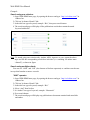
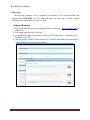
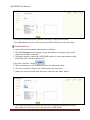
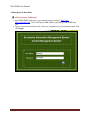
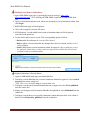
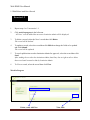
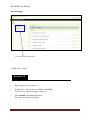
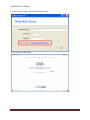
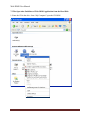
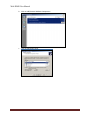
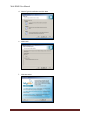
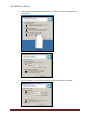
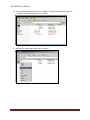
1. Open WEB-DIMS home page, by opening the browser and type “http://web-dims.com/” in
Address bar.
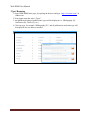
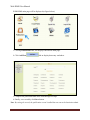
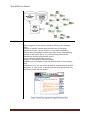
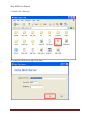
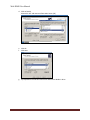
2. Click on “Advanced Search” link
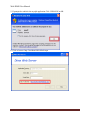
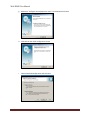
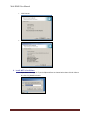
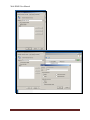
3. In the title box type a keyword, example: “Bio”, then press search button.
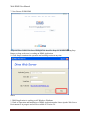
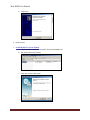
4. The search result page will display all the publications results that contain the stated
keyword within title
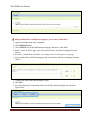
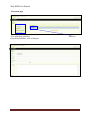
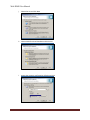
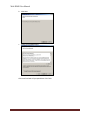
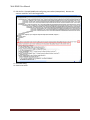
Note: To search using one criterion only: Author, ARN, Agrovoc or year, repeat the above
steps and fill the corresponding search box each time (i.e. searching for author name
“Ahmed”), as shown in figure
Search using multiple criteria:
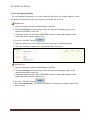
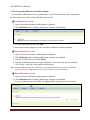
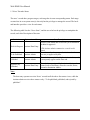
You can use “AND” and “OR” (also known as Boolean operators) to combine search terms
in ways that broaden or narrow a search.
“AND” operator
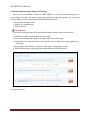
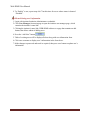
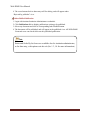
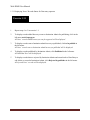
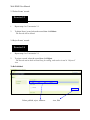
1. Open WEB-DIMS home page, by opening the browser and type “http://web-dims.com/” in
Address bar.
2. Click on “Advanced Search” link
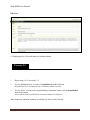
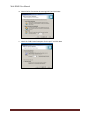
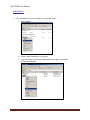
3. In the title box type a keyword, example: “Bio”
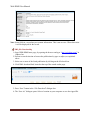
4. Select “And” from list box
5. In “Author” box type a keyword, example: “Hassanein”
6. Press search button
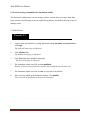
7. The search result page will display any publication or document contains both stated title
and author.
8