1
Chapter 7 Optical Spectrum Measurement
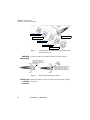
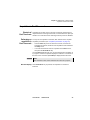
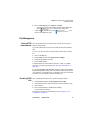
Channel filtering
4
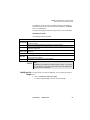
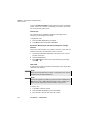
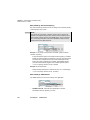
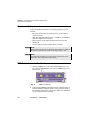
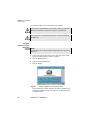
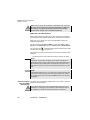
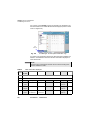
Press the Exit key to return to the previous menu if necessary.
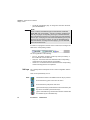
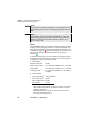
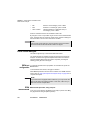
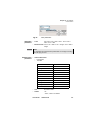
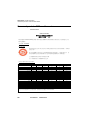
NOTE
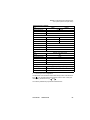
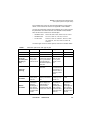
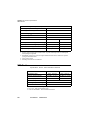
The table notes are not stored in the measurement results.
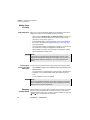
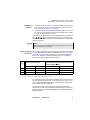
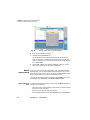
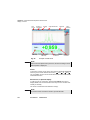
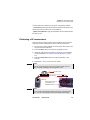
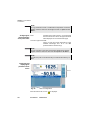
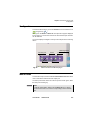
Displaying relative results
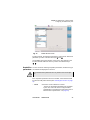
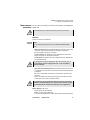
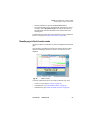
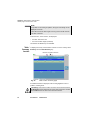
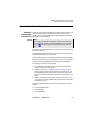
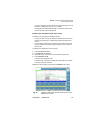
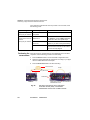
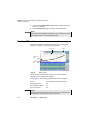
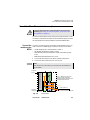
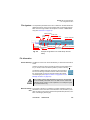
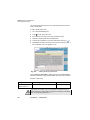
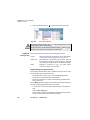
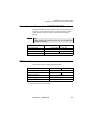
By default, the table gives the results in absolute values. To obtain these
results in relative values with respect to a reference channel:
–
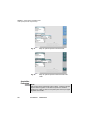
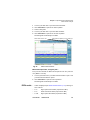
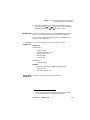
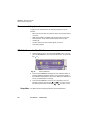
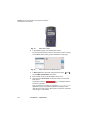
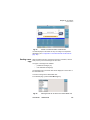
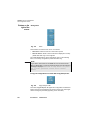
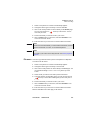
Press the Table Contents key, then Relative>/<Absolute to select
Relative.
–
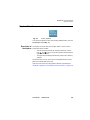
Move the cursor on to the channel that is to serve as the reference.
–
Press the Define Ref. Channel key. The results are recalculated
with respect to this channel of reference.
Channel filtering
Field of
application
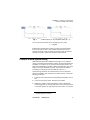
This option is only available for OSA-XX1 and OSA-XX3 modules.
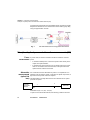
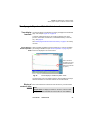
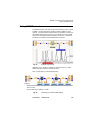
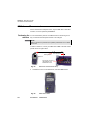
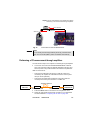
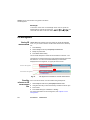
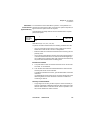
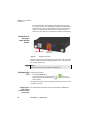
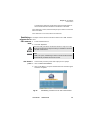
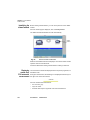
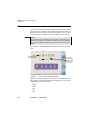
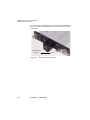
It is used to filter out one particular channel and extract it via a port called
the "drop port".
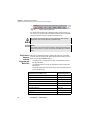
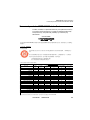
NOTE
For Dual Port OSA-201 and OSA-303 only the input port B can extract
a channel to the drop port.
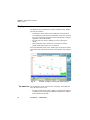
Configuration
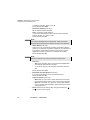
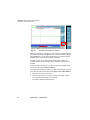
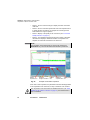
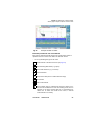
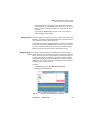
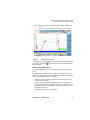
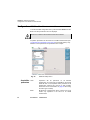
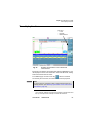
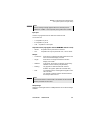
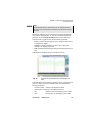
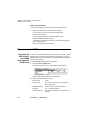
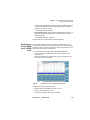
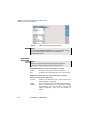
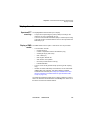
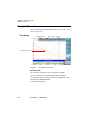
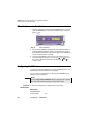
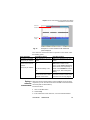
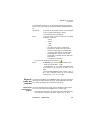
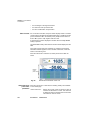
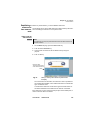
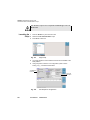
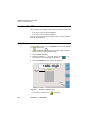
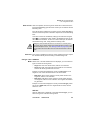
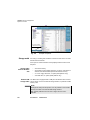
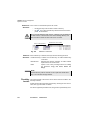
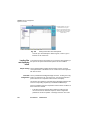
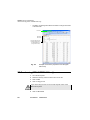
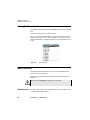
To obtain filtering of a given canal to the drop port, go into theSETUP
menu of the OSA module. Choose Acquisition, then Sweeps and select
Filtering.
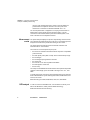
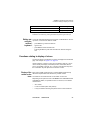
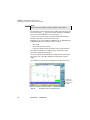
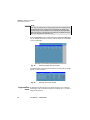
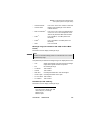
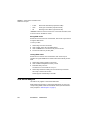
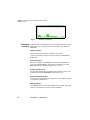
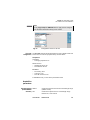
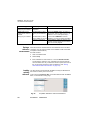
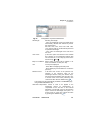
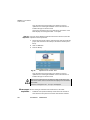
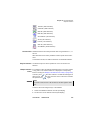
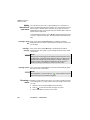
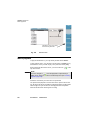
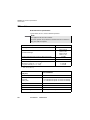
The options of the acquisition menu then change and offer:
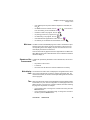
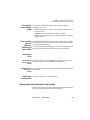
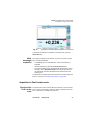
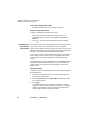
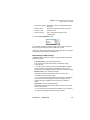
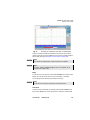
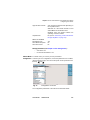
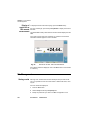
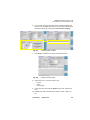
Choice of channel
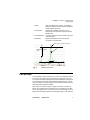
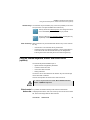
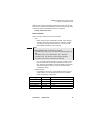
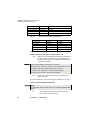
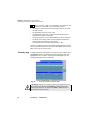
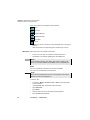
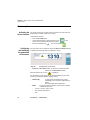
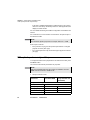
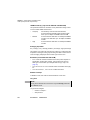
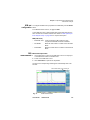
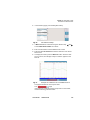
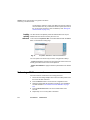
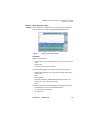
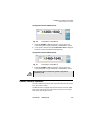
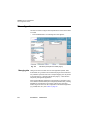
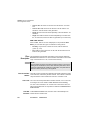
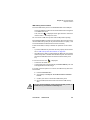
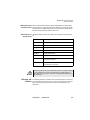
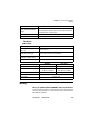
In the Choice of Channel option, either a value may be entered manually
or the current value from the table can be taken.
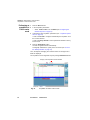
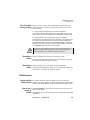
–
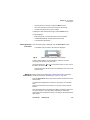
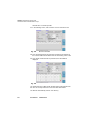
Manual:
User Manual
A new line appears above choice of channel, in which
the required value can be entered.
780000102/19
117