1
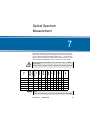
Chapter 14 File management
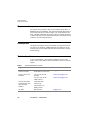
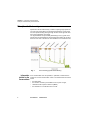
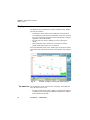
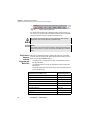
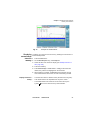
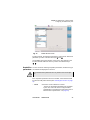
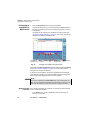
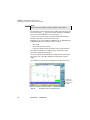
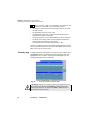
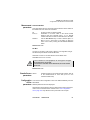
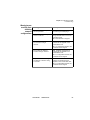
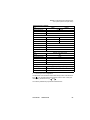
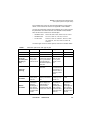
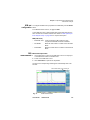
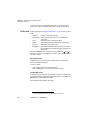
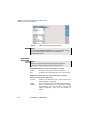
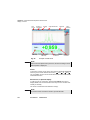
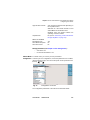
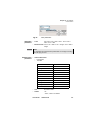
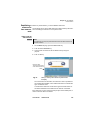
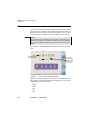
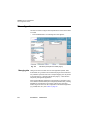
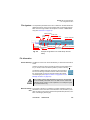
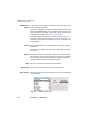
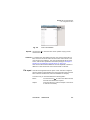
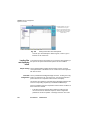
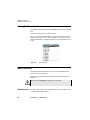
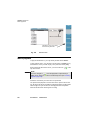
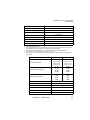
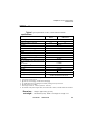
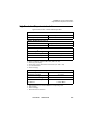
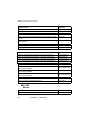
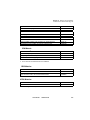
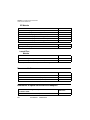
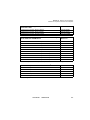
Explorer Function
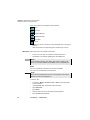
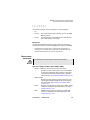
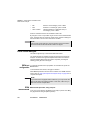
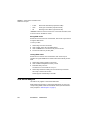
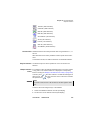
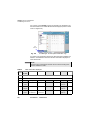
OSA file (.OSA extension)
OTDR file (.SOR extension)
OEO file (.OEO extension)
PMD file (.PMD extension)
CD OTDR file (.CD extension)
AP file (.AP extension)
LTS file (.LTS extension)
ORL file (.ORL extension)
CD ODM file (.OCD extension)
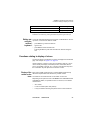
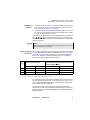
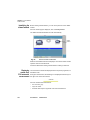
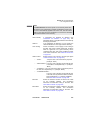
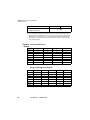
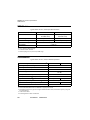
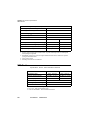
Format of files OTDR files that can be read by the Base Unit are type Bellcore 1.0, 1.1
and 2.0.
Other files that can be read by the Base Unit are specific to this instrument.
To read other formats, use JDSU’s FiberTrace or FiberCable software.
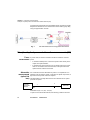
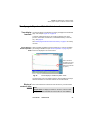
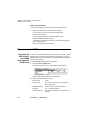
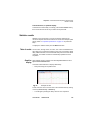
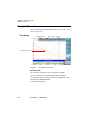
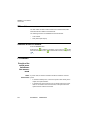
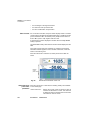
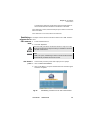
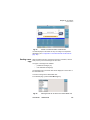
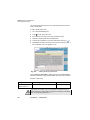
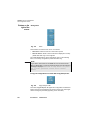
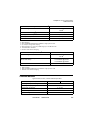
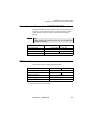
Easy file selection The direction keys are used to position the cursor on the file to be
selected.
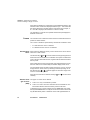
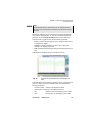
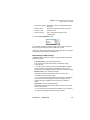
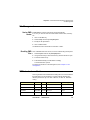
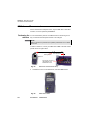
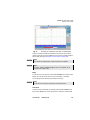
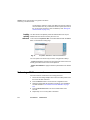
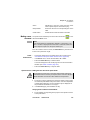
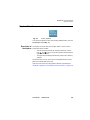
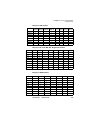
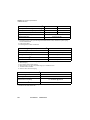
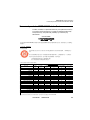
Multiple selection It is possible to select several files simultaneously to move them, delete
of files or copy them on to another medium or to display the corresponding
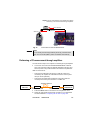
traces in overlay (see "Display of several traces in overlay" on page 239).
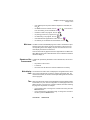
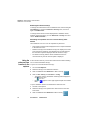
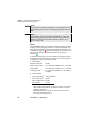
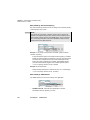
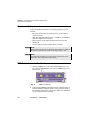
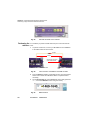
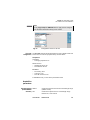
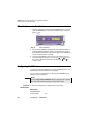
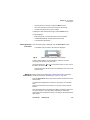
To do this, press
after each selection. The files selected appear in
video inverse. To deselect a file, place the cursor on the name of the file
and press the key
again.
NOTE
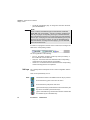
If a mouse is used, click on a file to select it, and click again to deselect it.
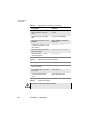
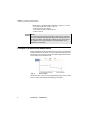
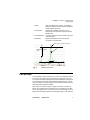
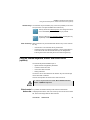
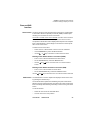
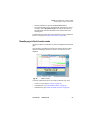
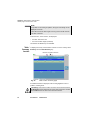
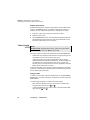
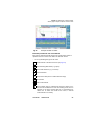
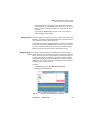
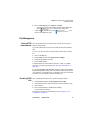
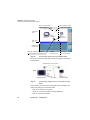
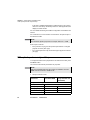
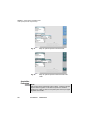
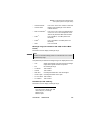
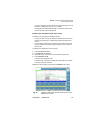
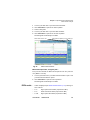
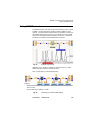
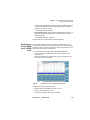
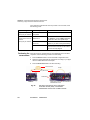
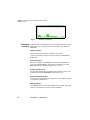
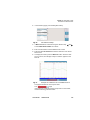
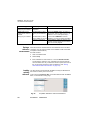
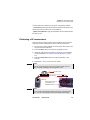
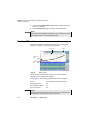
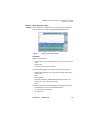
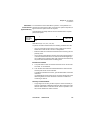
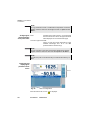
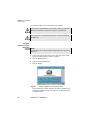
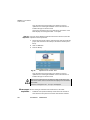
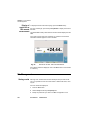
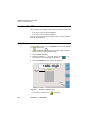
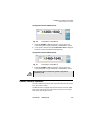
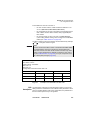
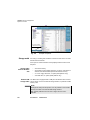
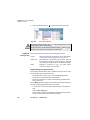
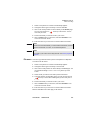
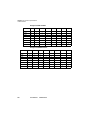
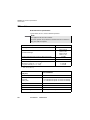
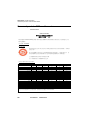
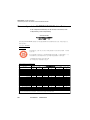
To select a list of files using the keys of the Platform:
1
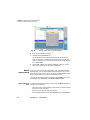
Select and validate the first file of the list (red display)
2
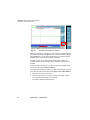
Set the cursor on the last file of the list (blue display)
User Manual
780000102/19
235