1
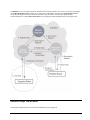
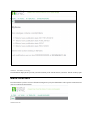
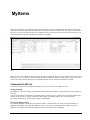
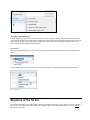
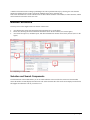
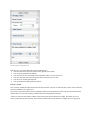
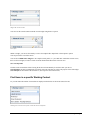
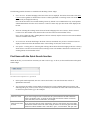
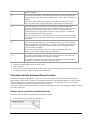
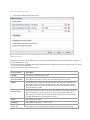
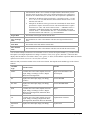
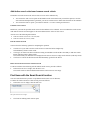
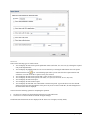
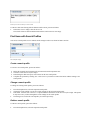
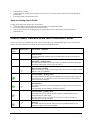
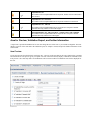
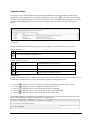
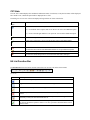
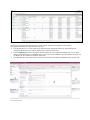
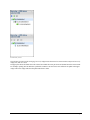
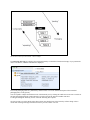
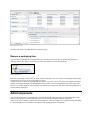
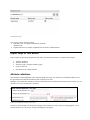
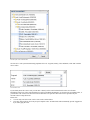
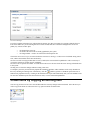
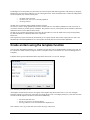
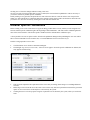
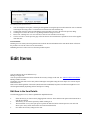
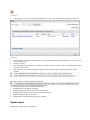
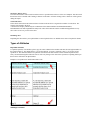
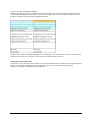
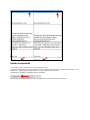
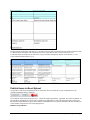
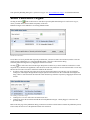
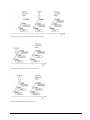
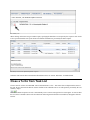
A number of functions such as editing or publishing items can be performed directly by selecting the icons from the function bar. Editing an item opens a separate tab. Multiple items can be opened at once. This section describes how to work with the hit list. It deals with the structure of the module, its basic functions, and the control elements used in the various use cases. Module Structure The entry screen of the Supplier Item List consists of three areas: Area showing the various selection and search components (area 1 in the figure) Hit list area, showing the items found and a function bar above the list of items (area 2 in the figure) Area for the item preview, validation report, and other information on actions carried out by the user (area 3 in the figure) Structure of the Supplier Item List module Selection and Search Components The left-hand area of the module allows you to use search and filter criteria to affect the selection of items and thus restrict the number of items displayed in the hit list. The selected criteria take effect on the items displayed in the hit list and supplier item details as soon as you click Search. User Manual MyItems 21