1
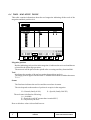
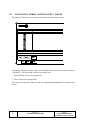
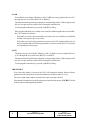
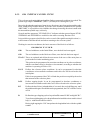
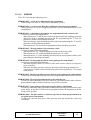
SOLID COLORS
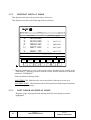
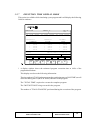
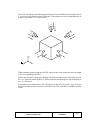
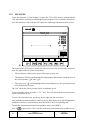
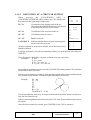
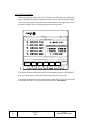
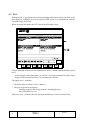
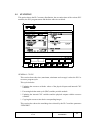
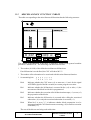
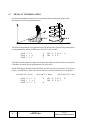
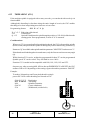
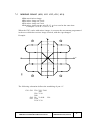
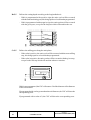
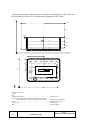
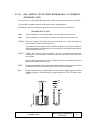
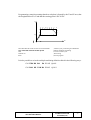
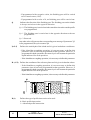
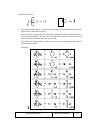
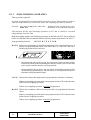
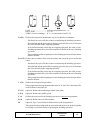
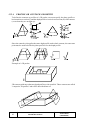
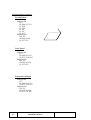
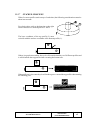
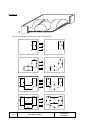
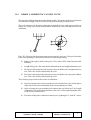
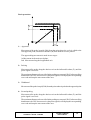
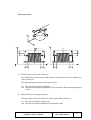
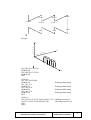
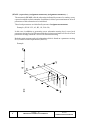
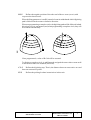
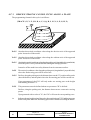
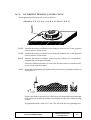
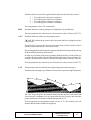
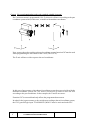
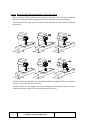
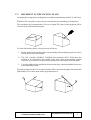
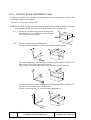
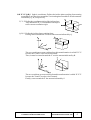
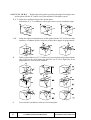
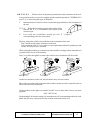
With this option it is possible to modify the colors used in the three-dimensional solid
graphics. These colors will be considered when in execution or simulation and will only
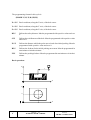
be used in SOLID graphics mode. The available parameters are the following:
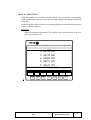
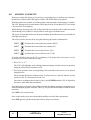
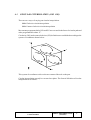
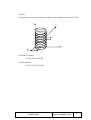
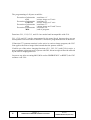
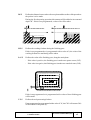
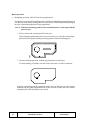
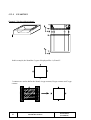
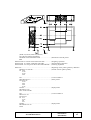
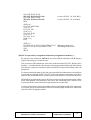
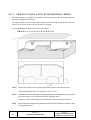
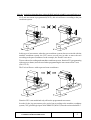
Color for the external X side
Color for the external Y side
Color for the external Z side
Color for the internal X side, machined side
Color for the internal Y side, machined side
Color for the internal Z side, machined side
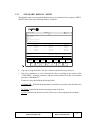
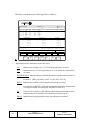
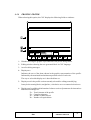
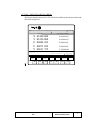
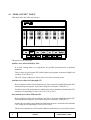
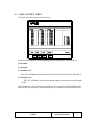
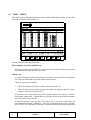
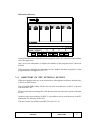
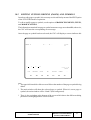
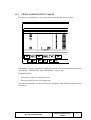
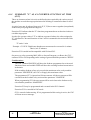
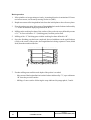
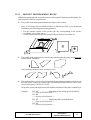
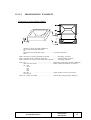
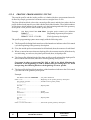
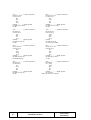
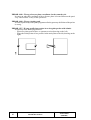
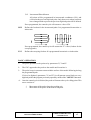
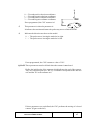
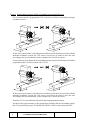
The CNC will show to the right of the screen a series of windows to select these
parameters indicating as well the colors currently selected.
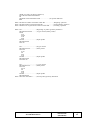
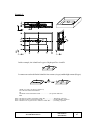
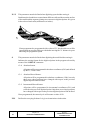
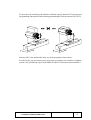
Among the various color choices, the black one indicates that the machining operations
done with this color will not be shown graphically (invisible).
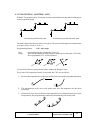
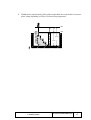
To modify any of these parameters, select the corresponding field by using the up and
down arrow keys and use the right and left arrow keys to select the color within the
desired field or window.
Once the desired colors for the desired solid sides have been selected, press ENTER to
validate them.
Press ESC to quit this color selection mode without making any changes to the original
settings.
Page
30
Chapter: 3
EXECUTE/SIMULATE
Section:
GRAPHICS