1
User Guide 4.0
6.10.
Server Folders
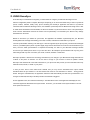
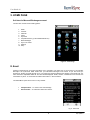
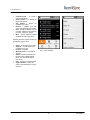
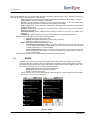
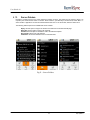
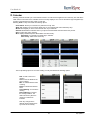
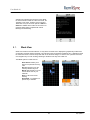
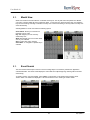
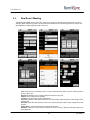
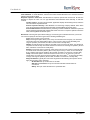
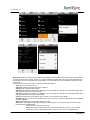
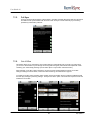
RemoSync provides access to the email organized in folders at server. The emails are not cached to phone. On
request syncs and shows the emails. To access „Server Folders‟, open RemoSync, Select Email, Select „Menu >>
Server Folders‟. Application connects and downloads the folder list. To see the emails, select the folder name.
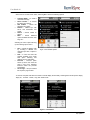
The following defined options are available with Server Folders.
Reply: Use this option to reply to the sender of the mail from the „Search Results page‟
Reply All: Use this option to reply to all recipients
Forward: Use this option to forward the mail to the desired recipients.
Root Folder: Takes to the root folder list
Subfolders: Shows the subfolders from the selected folder
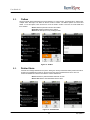
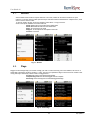
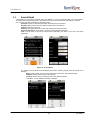
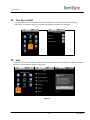
Fig 21 – Server Folders
17
9/14/2010