1
User Guide 4.0
13.5.
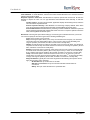
Full Sync
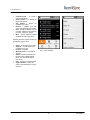
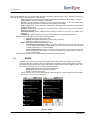
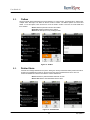
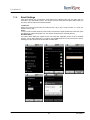
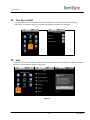
Full Sync will erase all Email data, Contacts history, Calendar and Tasks (Exchange) data from the Phone
and starts a fresh synchronization with the server. Note: Full Sync must be used only if you are facing
persistent synchronization problems.
13.6.
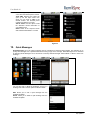
Out of Office
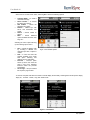
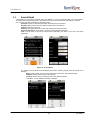
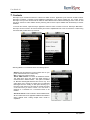
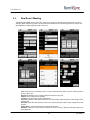
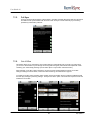
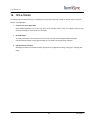
This feature allows you to configure the Out-of-office settings to automatically reply to emails you receive when
you are not in office. Based on your settings all incoming mails during this period will be auto-replied with a mail
containing your custom Reply message. (Out of Office option is only for 2007 and 2010 servers) .
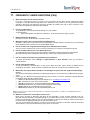
When selected „out of office‟ option, RemoSync connects to server and downloads the current out of office
settings including the current status, if active then date and timings, and defined auto reply text.
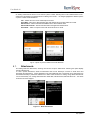
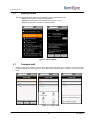
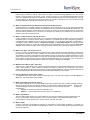
To enable out of office, select „activate‟ option and then choose the duration the out of office be enabled and add
the auto reply message by selecting „settings‟. Finally choose „Done‟ option. This sends the request to server and
enables the out of office.
36
9/14/2010