1
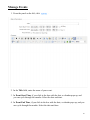
Pasting from MS Word
In most cases, you will want to copy approved content from an existing MS Word document.
To do this:
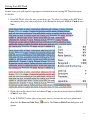
1. From MS Word, select the text you wish to copy. To select everything in the MS Word
document, place your cursor anywhere in the document and press Ctrl+A (Cmd+A on a
Mac).
2. Right-click on the selected text and choose Copy, or use the keyboard shortcut Ctrl+C
(Cmd+C on a Mac).
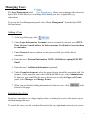
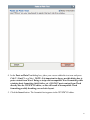
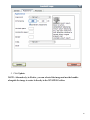
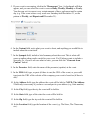
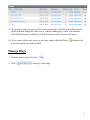
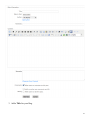
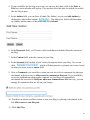
3. In the WYSIWYG editor, place your cursor where you want the text to be pasted and
then click the Paste as Plain Text
appear.
button. The Paste as Plain Text dialog box will
15