1
WAS-102R
User’s Guide
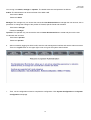
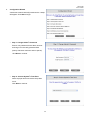
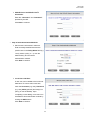
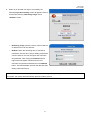
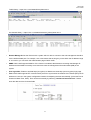
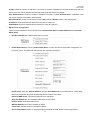
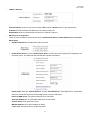
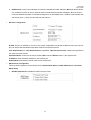
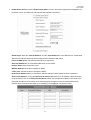
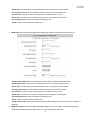
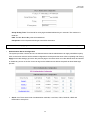
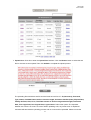
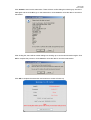
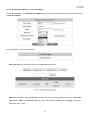
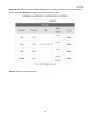
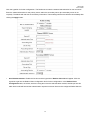
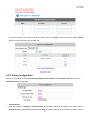
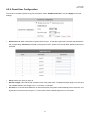
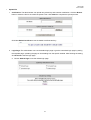
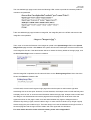
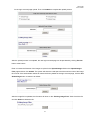
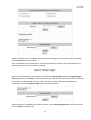
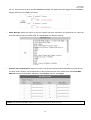
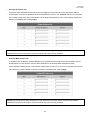
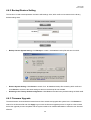
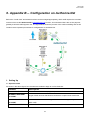
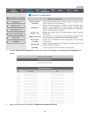
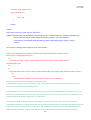
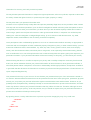
for the login succeed page upload. Then click Submit to complete the upload process.
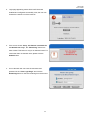
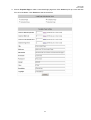
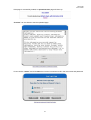
After the upload process is completed, the new login succeed page can be previewed by clicking Preview
button at the bottom.
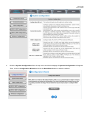
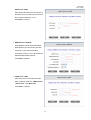
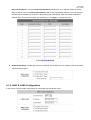
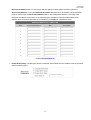
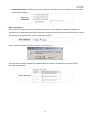
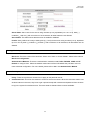
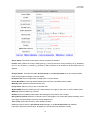
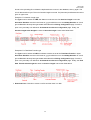
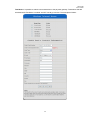
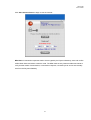
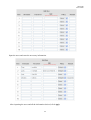
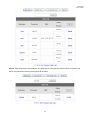
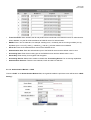
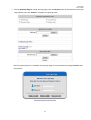
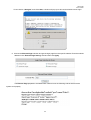
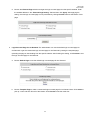
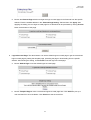
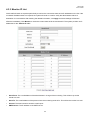
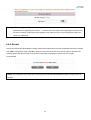
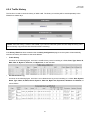
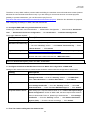
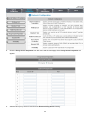
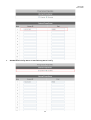
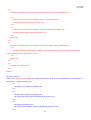
Enter or browse the filename of the images to upload in the Upload Images field on the Upload Images
Files page and then click Submit. The system will show the used space and the maximum size of the image
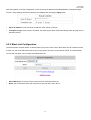
file of 512K. If the administrator wishes to restore the factory default of the login succeed page, click the Use
Default Page button to restore it to default.
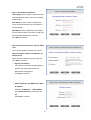
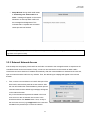
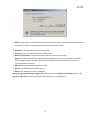
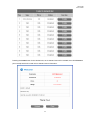
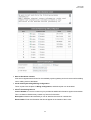
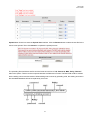
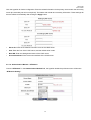
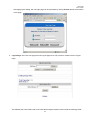
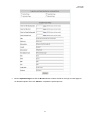
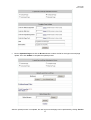
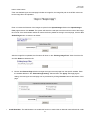
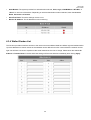
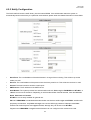
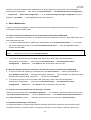
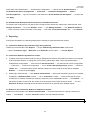
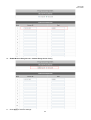
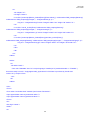
After the image file is uploaded, the file name will show on the “Existing Image Files” field. Check the file
and click Delete to delete the file.
91