1
T.O.V.A. 8 User’s Manual
28.7.3
28
HOW-TO
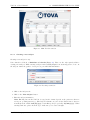
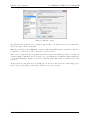
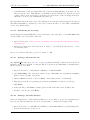
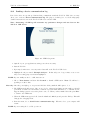
Disabling Sleep mode on Windows 8
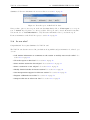
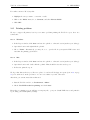
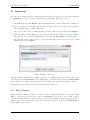
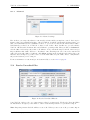
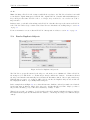
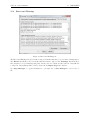
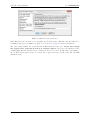
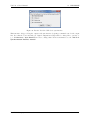
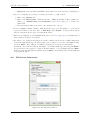
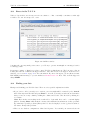
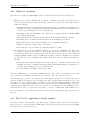
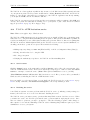
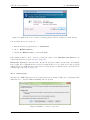
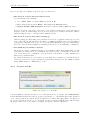
1. Bring up the Start page and type ‘Power’.
2. Click ‘Settings’ and then choose ‘Power options’.
3. Select a new power plan if you want. For the selected plan, choose ‘Change plan settings’.
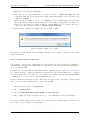
4. Under ‘Put the computer to sleep:’, choose ‘Never’. You may have to disable this in multiple
places (‘Plugged in’, ‘On battery’, etc.).
5. Click ‘Save changes’.
The TOVA Company
800.729.2886 562.594.7700 [email protected]
135