1
Setting up the Client Computer
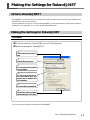
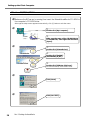
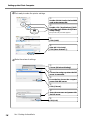
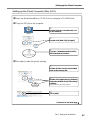
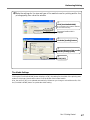
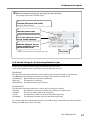
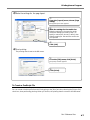
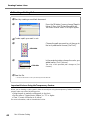
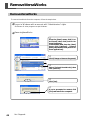
➌ Get ready to make the printer settings.
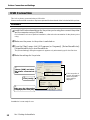
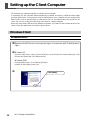
Double-click the icon for the hard disk
used as the startup disk.
Double-click [Applications]-[Utilities] folder, then double-click [Printer
Setup Utility].
The [Printer List] window appears.
Click [Add].
(Mac OS X 10.4 only)
Click [More Printers...].
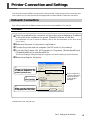
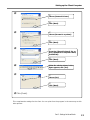
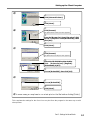
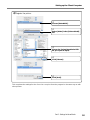
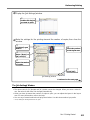
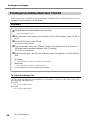
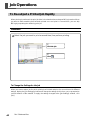
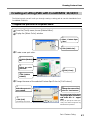
➍ Make the network settings.
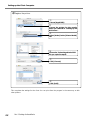
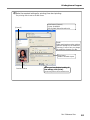
Choose [Windows Printing].
Choose the workgroup where the RIP
server is connected.
From the list, choose the computer
name of the RIP server.
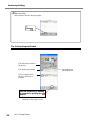
Click [Choose].
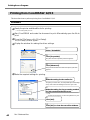
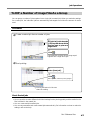
Enter the username and password for
the RIP server.
Click [OK].
18
Part 1: Settings for VersaWorks