1
Job Operations
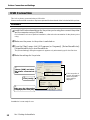
Setting the Printing Parameters for Jobs
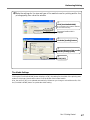
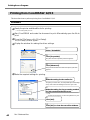
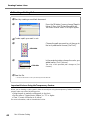
To make the settings for the printing parameters for jobs, display the [Job Settings] window. You can
make the settings for nearly all the features whose settings you can make at the [Queue Properties]
window. The job you specify at this window is processed according to values set with [Job Settings],
regardless of the settings made at [Queue Properties].
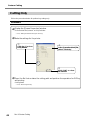
How to Display the Window
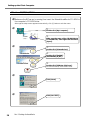
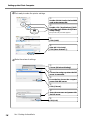
➢ In the layout window or the Job List, directly double-click the job whose settings you want to
make.
➢ At the job list, right-click the job whose settings you want to make, then select [Job Settings].
➢ Select the job, then click
on the toolbar.
➢ From the main menu, click [Job], then [Settings].
➢ In the preview window, double-click the image.
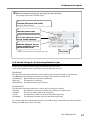
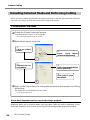
Overview of the Window
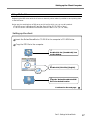
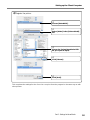
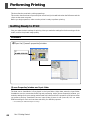
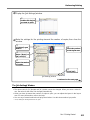
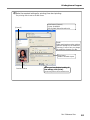
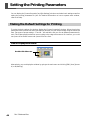
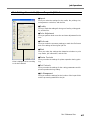
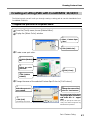
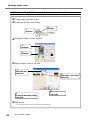
This is composed of a settings area and a layout area.
In the settings area, you can make the settings for nearly all the features whose settings you can make
at the [Queue Properties] window.
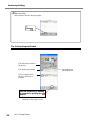
The layout area lets you preview the results of actual printing. You can do things like changing the
printing location of an image by dragging the image directly and changing the layout for a nested job.
Also, when you adjust colors, you make the adjustments as you monitor the changes to the image in
the layout area.
Settings area
46
Part 3: Advanced Use
Layout area