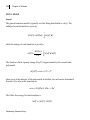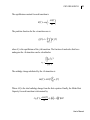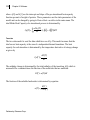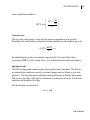
1
CSC 6300 N-DSC III
7
Chapter Two: Installation
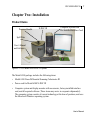
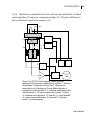
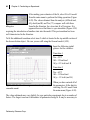
Product Items
Pressure Handle
N-DSC III
Computer System with
Pre-Installed Interface Card
Spill Plate
User’s Manual
and Software
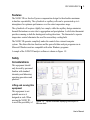
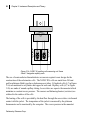
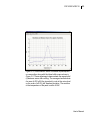
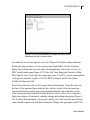
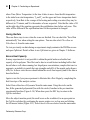
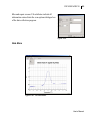
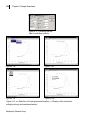
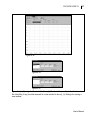
Figure 2-1: CSC Model 6300 N-DSC III System.
The Model 6300 package includes the following items:
•
Model 6300 Nano-Differential Scanning Calorimeter III
•
Power cord for Model 6300 N-DSC III
•
Computer system and display monitor with accessories, factory-installed interface
card, and all required software (These items may arrive in a separate shipment(s)).
The computer system consists of current technology at the time of purchase, and uses
the Miscrosoft Windows operating system.
User’s Manual