1
3 Basic dialog, example
3.8
Processing file
3.8.1
Delete
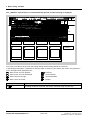
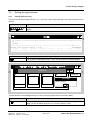
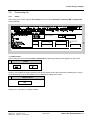
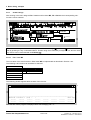
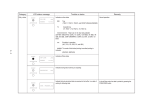
After clicking in the menu ledge at File / Delete the sub-functions Selected PJ, Selected MP or Selected FP
can be selected.
Master Program:
≈
Create MP
??????
≈
@sdp21
♦ Delete Project
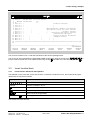
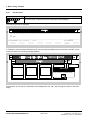
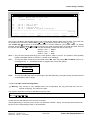
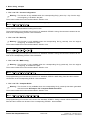
After invoking the function File / Delete / Selected PJ the following quitting window appears on the screen:
_
Delete
Do you want to delete project <pj-name> ?
Yes
No
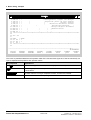
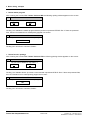
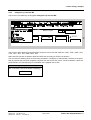
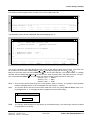
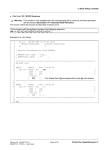
Clicking „Yes“ deletes the project directory with all sub-directories and all unproteced for deleting files. If there
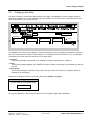
are protected files, then an information box is subsequently popped onto screen:
_
Delete project
MP <mp-name> cannot be deleted completely !
OK
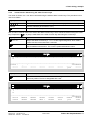
Clicking „No“ cancels the command „Delete“.
Siemens AG 465 982.7101.21
SIMADYN D STRUC L User Manual
Edition 06.95
Fehler! Nur Hauptdokument-19