1
3 Basic dialog, example
3.8.3
Create listings
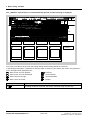
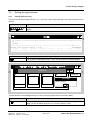
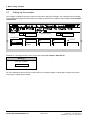
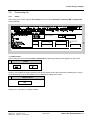
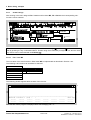
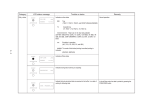
After clicking in the menu ledge at File / List the sub-functions MP, FP or PN with their corresponding subfunctions can be selected.
Create MP
Create object
??????
≈
≈
example
and Return
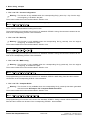
The selection of the panels can also be implemented via cursor keys
. Invoke the function
File by pressing the key combination Alt + f. Entries using the mouse and per keyboard can also be mixed.
Key actions can be rescinded with the ESC key Esc .
3.8.3.1
File / List / MP
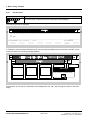
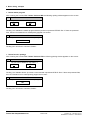
The invocation of the sub-functions in File / List / MP is implemented as described in Section 3.8.3.
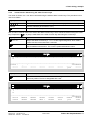
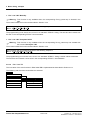
The following sub-functions can therefore be selected:
Delete
ä
List
ä
Print to File
ä
Print
ä
Extract Comment...
Replace Comment...
Exit STRUC ...
MP
FP
PN
Current Configuration
Back-Up
Complete RCOP
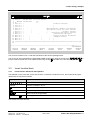
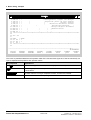
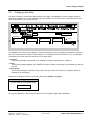
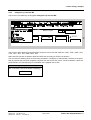
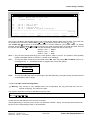
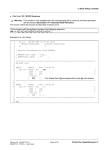
The following window appears after the start of the function.
_
MP-LIST
D5STRU
V4.2.1
t s
01.05.95
≈
≈
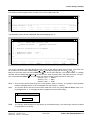
----------------------------------------------------------------------MP-LIST continue ? (Y/N) :
:
sw30.cmp
--------------------------------------------------------------------------------The selected master program is displayed after acknowledging with ‘’Y’’.
Fehler! Nur Hauptdokument-22
Edition 06.95
Siemens AG 465 982.7101.21
SIMADYN D STRUC L User Manual