1
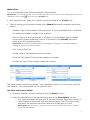
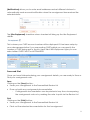
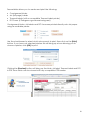
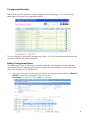
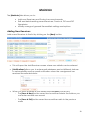
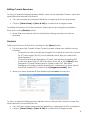
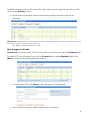
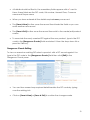
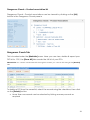
To delete a product from the saved list, select the record using the checkbox, then click on the [Delete] button. More than one record can be selected by ticking as many records as required Please Note: General notes can be saved as product lines rather than having to manually type them into the body of the connote each time e.g. FR=”Fragile – Please handle with care” New Dangerous Goods Please note: To create new DGs this will need to be done through the [Products] tab. To add a DG you will need to go to the [Products] tab under [Maintain] and click [New] or click on an existing product record. To add a new DG click [New] in the Dangerous Goods pane: This will open a screen where details can be entered 22