1
Mobile POS –User Manual
6.
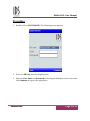
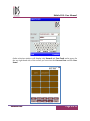
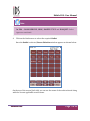
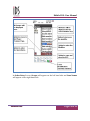
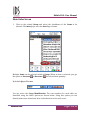
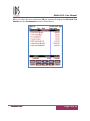
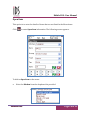
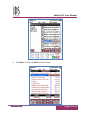
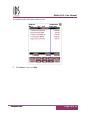
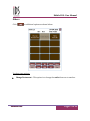
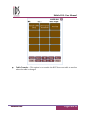
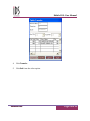
Click on the Table Number for which you want to place an order. Once the
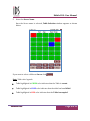
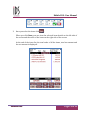
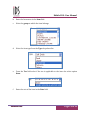
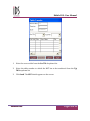
Table Number is selected, Menu Group/Menu Items window appears. Menu
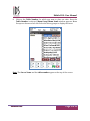
Groups are shown on left side. Select the menu groups to display the items.
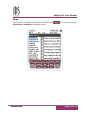
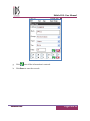
Note: The Server Name and the table number appear at the top of the screen.
M
MO
OBBIILLEE PPO
OSS
Page 9 of 33