1
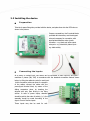
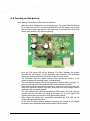
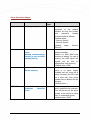
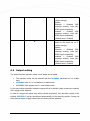
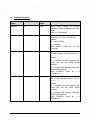
Example for appropriate operation and successful GPRS communication
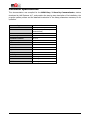
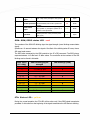
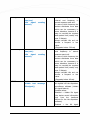
PWR LED lights (green), STA LED (yellow) sometimes blinks, the GSM LED (red) flashes
the GSM signal strength value (between 1 and 8)
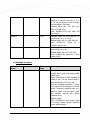
3.3 Possible problems
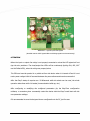
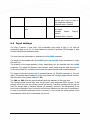
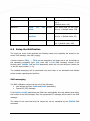
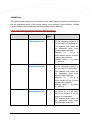
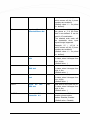
1. When the STA (yellow) and GSM (red) LEDs are bilinking together at the same time then it
signes SIM card failure.
Please, check that the SIM card was placed right into the SIM holder. If the problem not resolves,
consult with the Mobile Operator about the data package and activation, availability of the SIMcard.
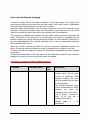
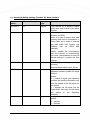
2. When the MDM RDY (red) LED blinkg contiuously but slowly then the SIM card was not placed
appropriated into the SIM card holder.
Check it, and place it again as it is required.
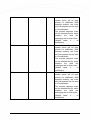
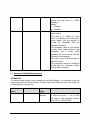
3. The STA signed LED not stops the blinking and it is continuously flashing. This usually refers to
APN problem, or improperly given APN name, or bad IP address. The connection to the GSM
network was unsucessful.
Please, ask for Information relating to the exact APN name, and IP address, and configure the
right parameters into the setup, then restart the device.
21