1
Access Control Management Software Suite Guide
4.2
Basic Operate
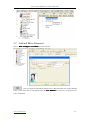
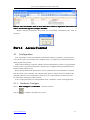
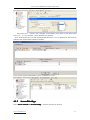
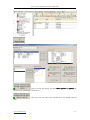
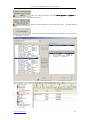
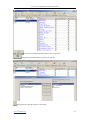
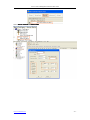
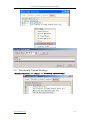
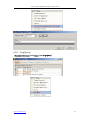
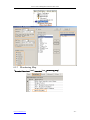
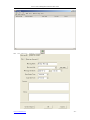
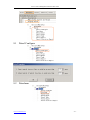
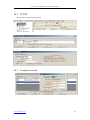
Select Basic Operate << Console from the menu bar .The console windows contain many basic
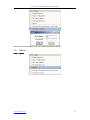
operate for controller .For example ,check info Adjust Time Upload Monitor Collect Data
etc.
4.2.1
Check controller’s Info
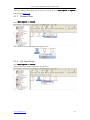
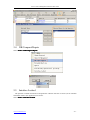
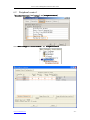
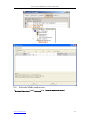
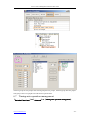
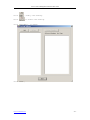
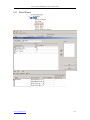
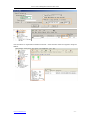
Select Basic Operate << Console from the menu bar or the shortcut of Basic Operate << Check
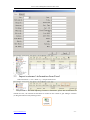
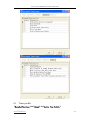
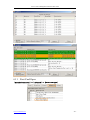
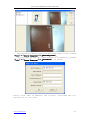
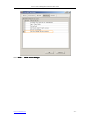
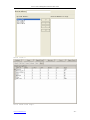
It will show the control’s basic information .such as
the amount of records and
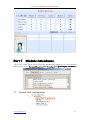
privileges ,door state ,control state ,open delay(sec) .If the controller is good Communicate with
computer , the door label’s color is green , otherwise the door label’s color is red .
www.e-omnitech.com
- 21 -