1
www.drillingsoftware.com
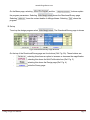
On the Menu page, selecting
the program parameters. Selecting
Selecting
program.
and the
buttons explain
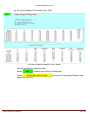
shows the Directional/Survey page.
shows the contact details of drillingsoftware. Selecting
closes the
B. Set-up
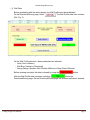
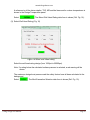
To set-up the design program select
, The Directional/Survey page is shown
Fig.2 Directional/Survey Page Buttons
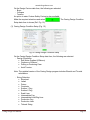
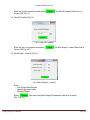
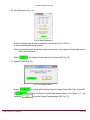
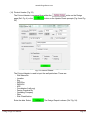
On the top of the Directional/Survey page are four buttons (Ref. Fig. 2A). These buttons are:
selecting this shows an option to increase or decrease the magnification
-
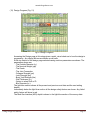
selecting this shows the Well Profile data form (Ref. Fig. 3)
-
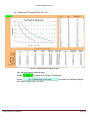
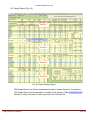
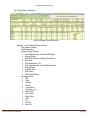
selecting this shows the Design page (Ref. Fig. 4)
-
prints the Survey page.
Casing Design User Manual
Page 2