1
Advanced Manual
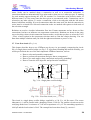
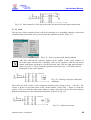
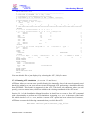
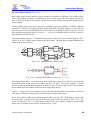
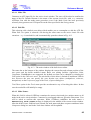
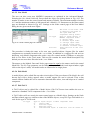
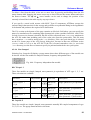
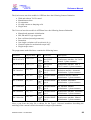
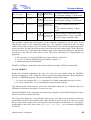
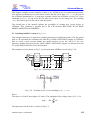
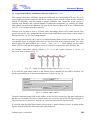
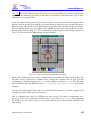
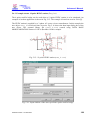
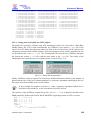
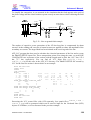
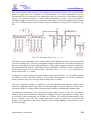
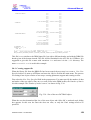
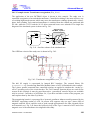
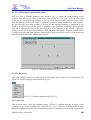
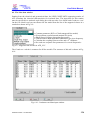
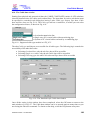
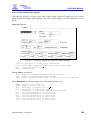
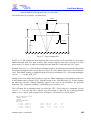
No connections are drawn between the three models in Fig. 5.31 and the nodes in the electrical
network. Instead, the same node names are specified both in the models and in the circuit. This
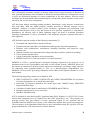
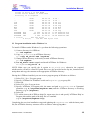
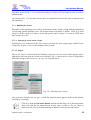
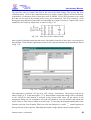
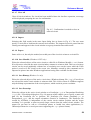
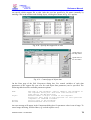
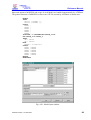
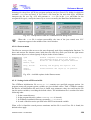
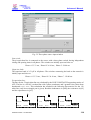
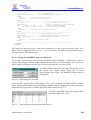
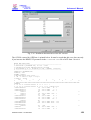
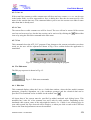
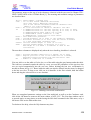
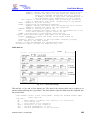
results in a warning such as shown in Fig. 5.32, when the ATP file is created, but it can be ignored
in this case by clicking OK. If you click Abort, ATPDraw marks the node names with identical
name in cyan color. If you wish, you can use the Draw relation feature available under TACS in
the component selection menu, to visualize the connection between the model objects and the
electrical network.
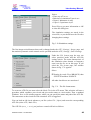
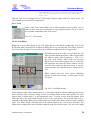
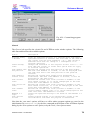
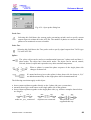
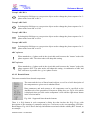
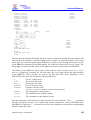
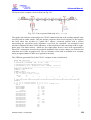
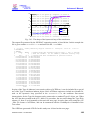
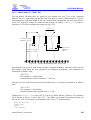
Fig. 5.32 - Warning message that can be ignored here
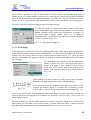
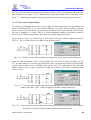
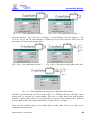
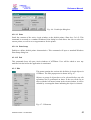
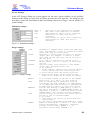
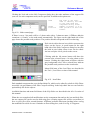
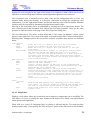
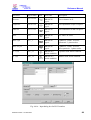
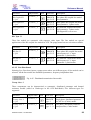
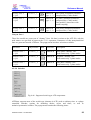
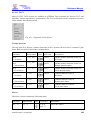
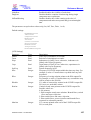
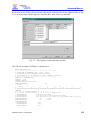
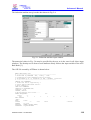
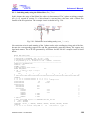
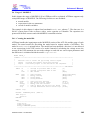
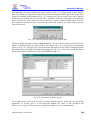
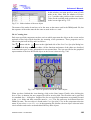
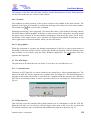
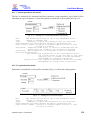
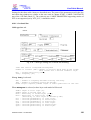
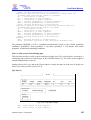
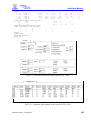
The three Models must have different Use As names. If you click the right mouse button on the
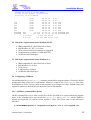
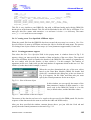
Model controlling GAPA, an input window will appear where you can specify the parameters
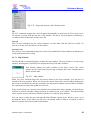
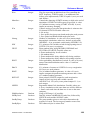
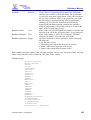
shown in Fig. 5.33. The Model file field is the name and path of the file which contains the model
definition written in MODELS simulation language [4]. The Use As field can contain any name,
but the name must be different for all the three Models in Fig. 5.31.
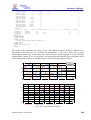
Fig. 5.33 - Attributes of Model objects
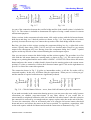
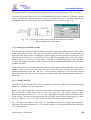
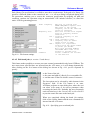
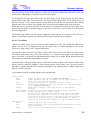
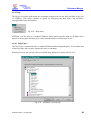
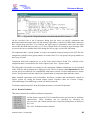
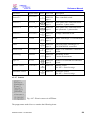
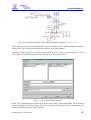
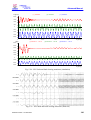
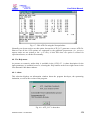
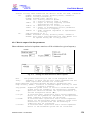
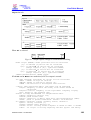
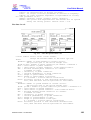
If you right click on one of the arresters, an input window appears where you can specify the
parameters. In section 4.2.9.3 of the Reference Manual the usage of the Attributes and
Characteristic page of ZnO arresters are explained in detail, so it is not repeated here.
ATPDraw version 1 for Windows
146