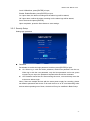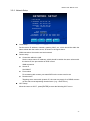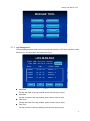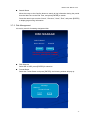
1
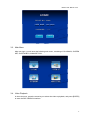
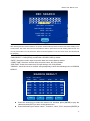
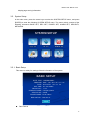
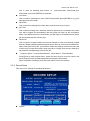
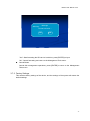
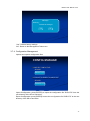
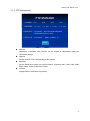
Mobile DVR Manual V3.0 WIFI SETUP WIFI: ON / OFF ENCRYPT: ON / OFF ENCRYPT TYPE: WEP IP: 192.168.000.192 GATEWAY: 192.168.000.001 SUB-MASK: 255.255.255.000 SSID: WIFI PASSWORD: SAVE Wi-Fi On/ Off, press [Enter] for selection Encrypt On/ Off, press [Enter] for selection Encrypt type: WEP by default Wi-Fi wireless local network settings Set IP, sub-mask, gateway, SSID, Password, etc., within the same subnet of the center server Upon completion, press the Save button to save settings. Note: The settings above should be corresponding to the router; 3.6. System Info In the main menu, press the arrow keys to select the System Information menu, and press [ENTER] to enter the following menu of system information. 29