1
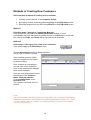
Copy First
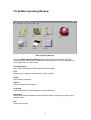
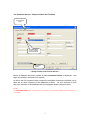
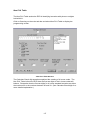
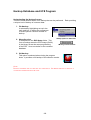
The Main.mdb file is a Microsoft Access Application which stores a customers
complete database when backed up. It is important to follow the procedure below to
make a copy of the blank Main.mdb file located in the CV-22 directory. This will
make database restoration possible should the Main.mdb file become corrupt. The
process of backing up and restoring a database is explained later.
•
•
•
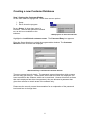
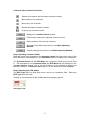
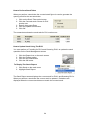
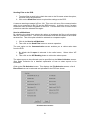
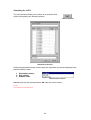
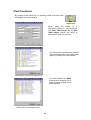
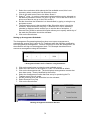
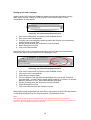
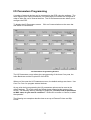
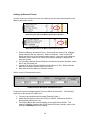
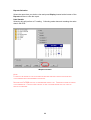
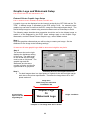
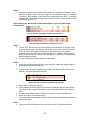
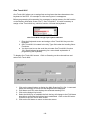
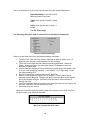
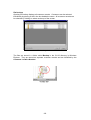
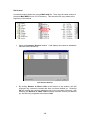
Open windows explore and then open the CV-22 folder.
Select the Main.mdb Microsoft Access Database, then right click on the
mouse. Select Copy.
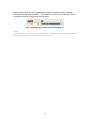
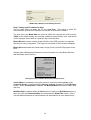
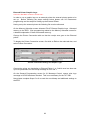
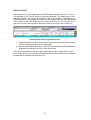
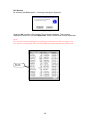
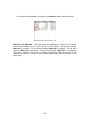
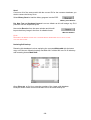
Then paste this file to a safe location. Copy to the desktop. Close windows
explore, then right click and Paste Main.mdb to the desktop. Keep this blank
Main.mdb file.
4