1
2 . 3 T h e J o b O rd e r
For the purposes of the program, all drawings and documents belonging to the same job belong to the same
job order. The job order is, consequently, a directory that contains all the files necessary to draw up a
specific electrical design. The most important files in the order are the drawings (files with .DWG extension);
each drawing file is identified by the name of the multisheet (see Sect. 2.4).
For each new job order, a new directory is created automatically, with the same name as specified by the
user (20 characters max.). The new directory is created in the "Job Order Path" specified during installation.
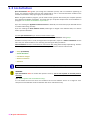
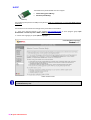
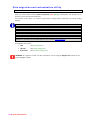
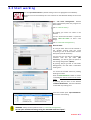
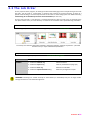
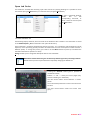
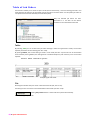
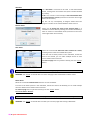
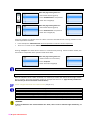
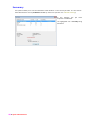
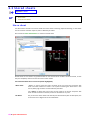
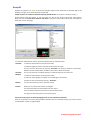
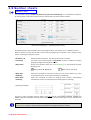
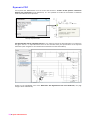
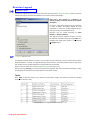
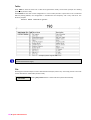
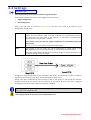
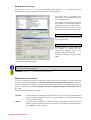
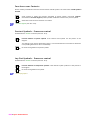
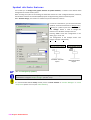
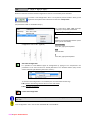
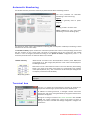
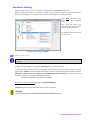
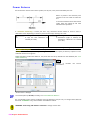
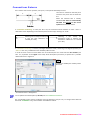
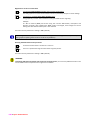
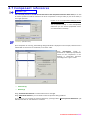
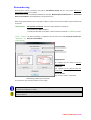
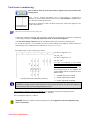
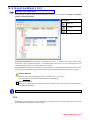
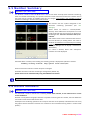
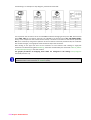
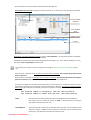
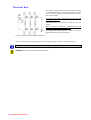
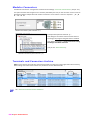
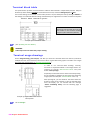
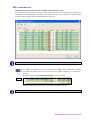
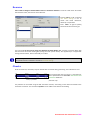
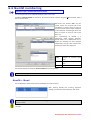
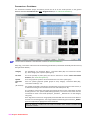
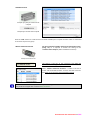
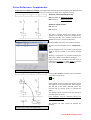
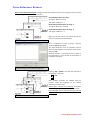
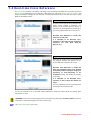
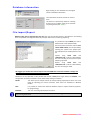
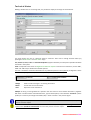
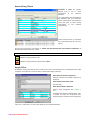
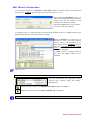
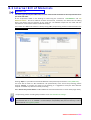
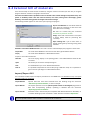
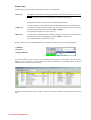
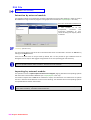
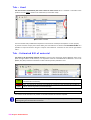
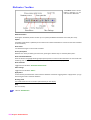
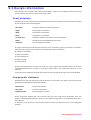
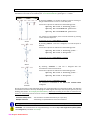
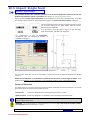
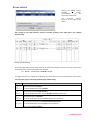
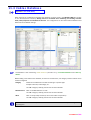
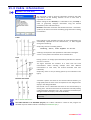
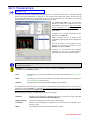
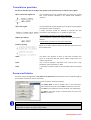
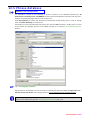
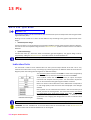
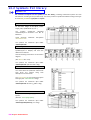
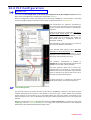
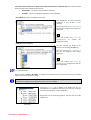
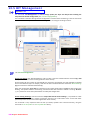
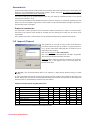
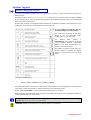
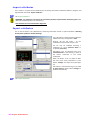
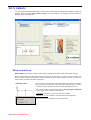
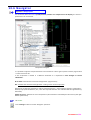
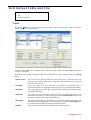
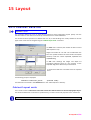
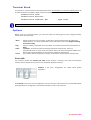
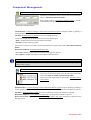
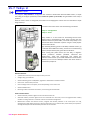
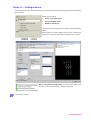
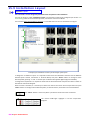
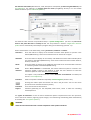
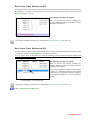
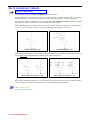
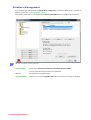
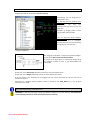
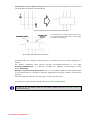
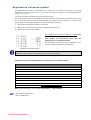
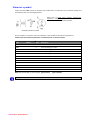
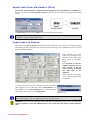
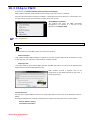
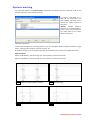
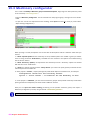
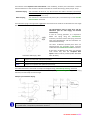
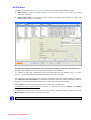
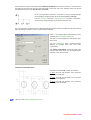
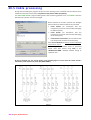
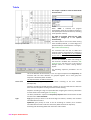
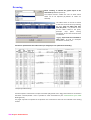
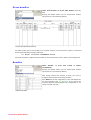
Position of example Job Order
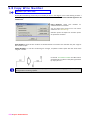
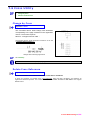
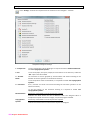
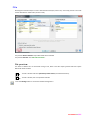
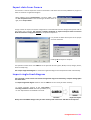
The drawing file path can only be modified through the specific function “Job order Path”.
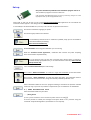
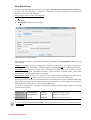
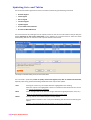
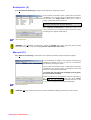
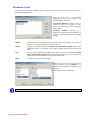
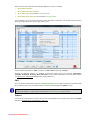
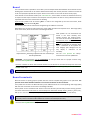
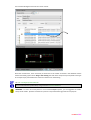
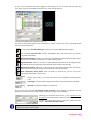
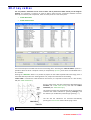
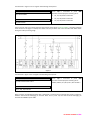
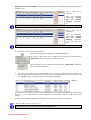
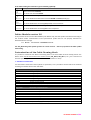
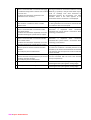
To correctly view the list of job orders indicated in the figure (Example, ProjectA, ProjectB etc...) the Path
has been set up in “Spac Automazione\Commesse”.
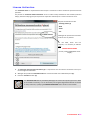
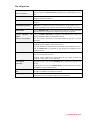
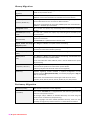
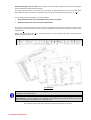
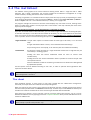
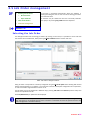
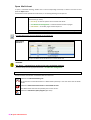
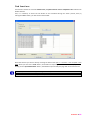
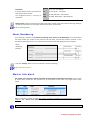
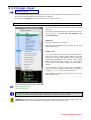
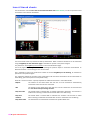
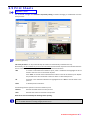
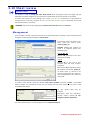
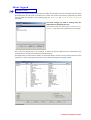
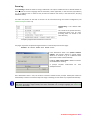
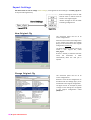
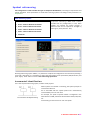
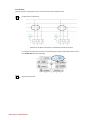
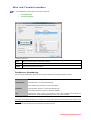
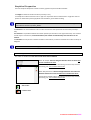
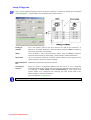
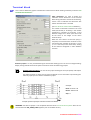
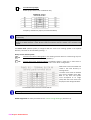
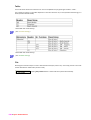
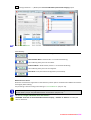
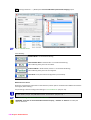
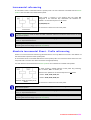
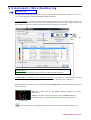
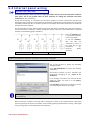
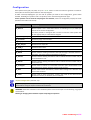
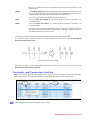
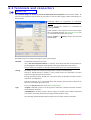
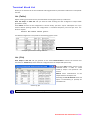
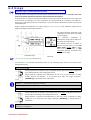
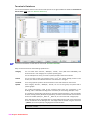
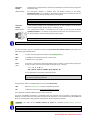
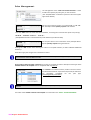
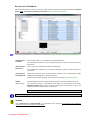
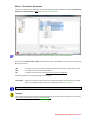
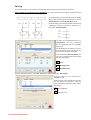
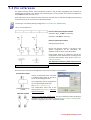
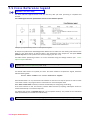
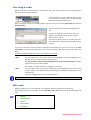
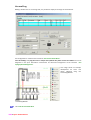
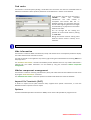
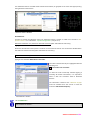
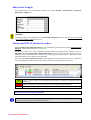
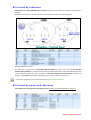
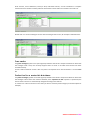
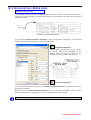
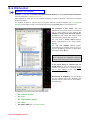
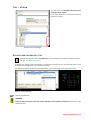
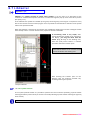
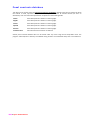
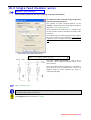
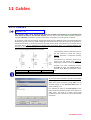
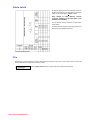
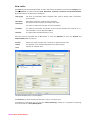
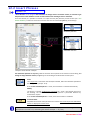
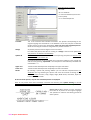
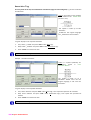
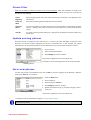
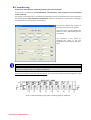
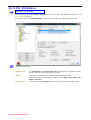
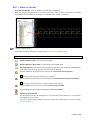
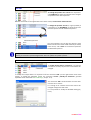
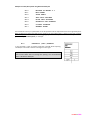
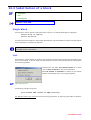
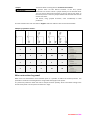
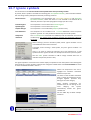
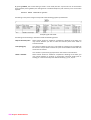
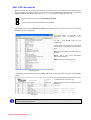
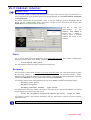
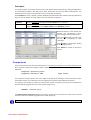
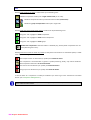
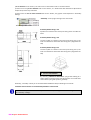
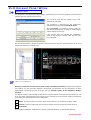
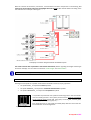
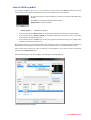
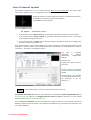
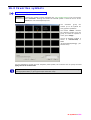
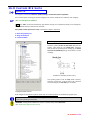
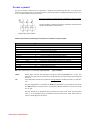
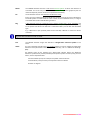
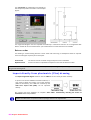
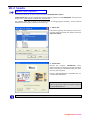
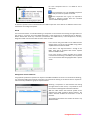
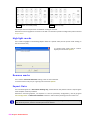
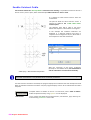
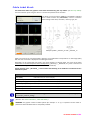
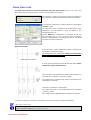
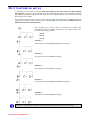
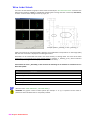
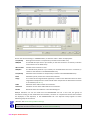
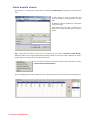
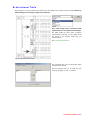
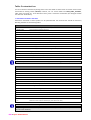
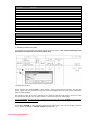
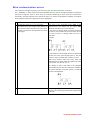
Example Job Order Structure
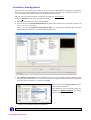
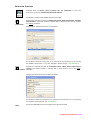
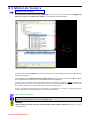
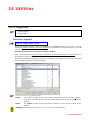
This structure is managed by the specific command “2.5 Job Order management”.
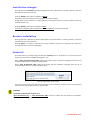
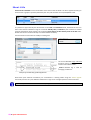
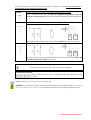
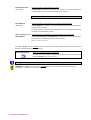
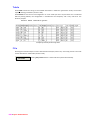
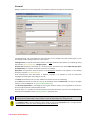
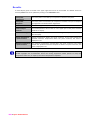
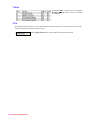
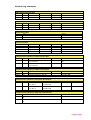
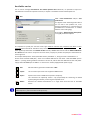
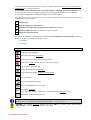
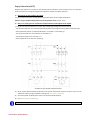
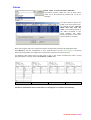
Job Order
Multisheets (dwg files)
Description
EXAMPLE
1° multisheet: Schema.dwg
Electrical scheme
2° multisheet: Layout.dwg
Cabinet \ Pushbuttons topography
3° multisheet: Liste.dwg
Material list and BOM
4° multisheet: Opzioni Macchina.dwg
Machinery Configurator sample
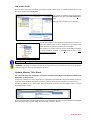
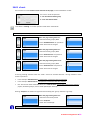
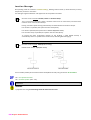
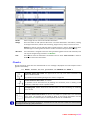
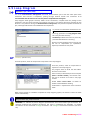
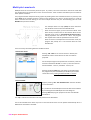
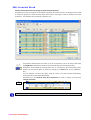
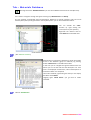
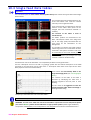
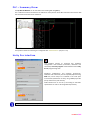
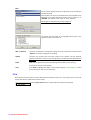
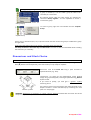
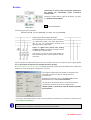
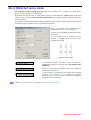
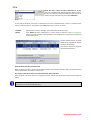
WARNING: If drawings are moved manually to other folders (or sub-folders) they are no longer visible
through the function “Job Order Management”.
2 Basics • 33