1
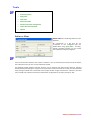
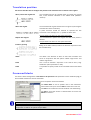
Translation position
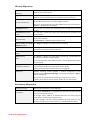
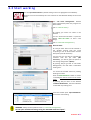
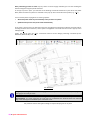
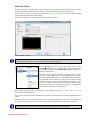
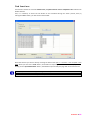
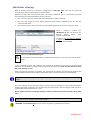
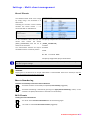
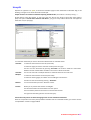
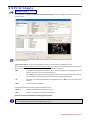
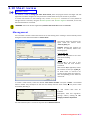
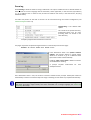
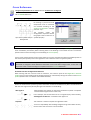
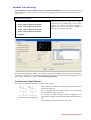
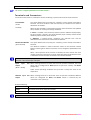
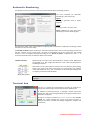
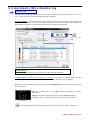
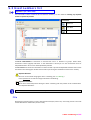
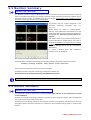
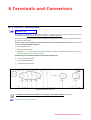
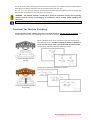
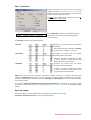
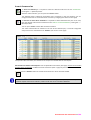
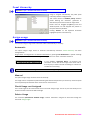
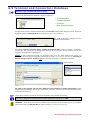
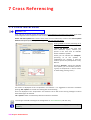
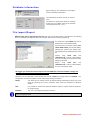
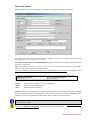
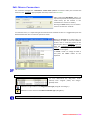
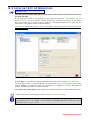
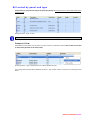
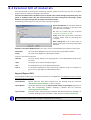
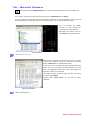
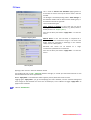
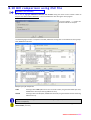
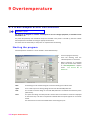
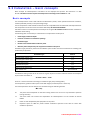
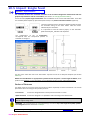
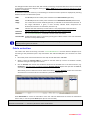
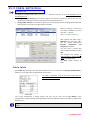
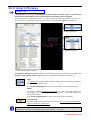
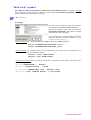
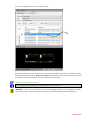
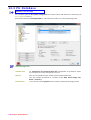
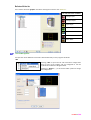
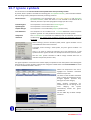
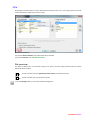
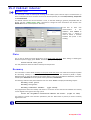
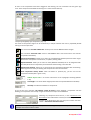
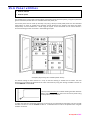
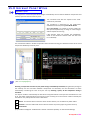
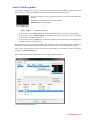
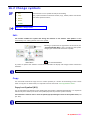
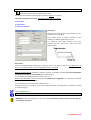
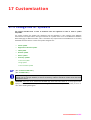
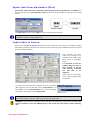
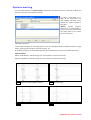
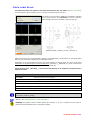
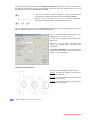
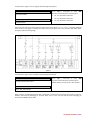
This section describes how to configure the position of the translated text in relation to the original.
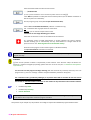
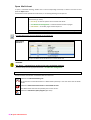
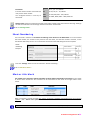
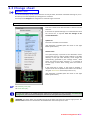
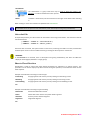
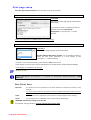
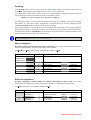
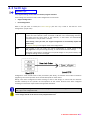
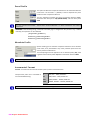
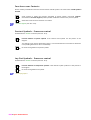
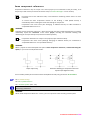
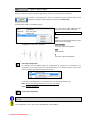
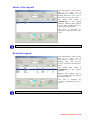
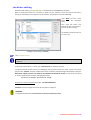
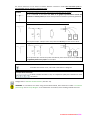
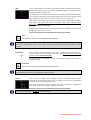
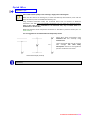
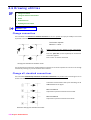
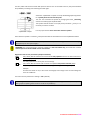
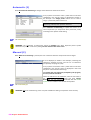
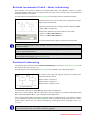
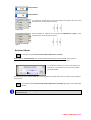
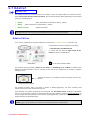
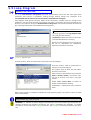
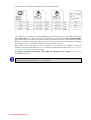
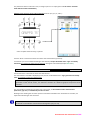
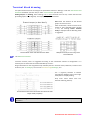
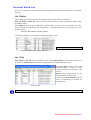
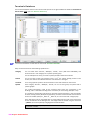
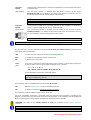
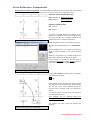
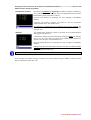
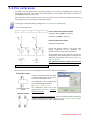
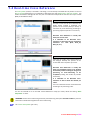
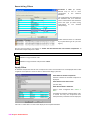
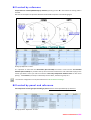
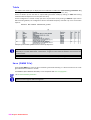
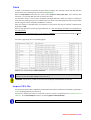
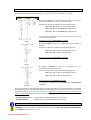
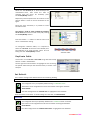
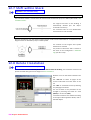
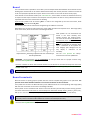
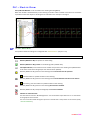
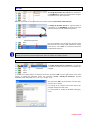
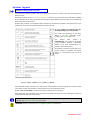
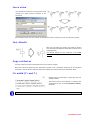
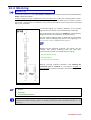
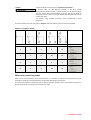
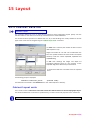
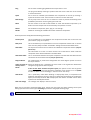
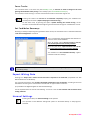
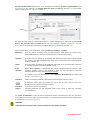
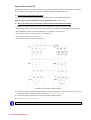
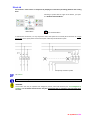
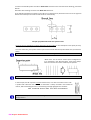
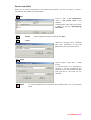
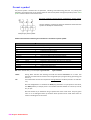
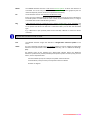
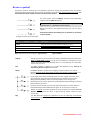
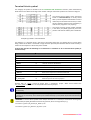
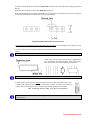
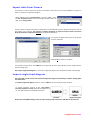
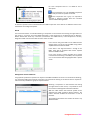
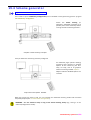
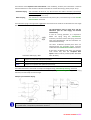
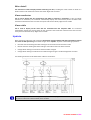
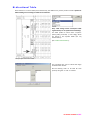
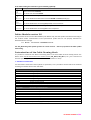
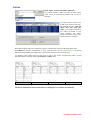
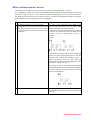
Above / below the original text
The translated text will be inserted below (or above) the original
text, at the distance indicated in the "Offset" field (default 5
interline).
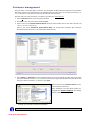
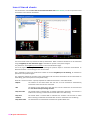
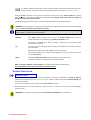
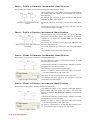
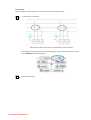
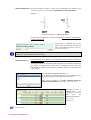
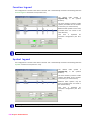
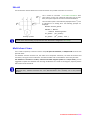
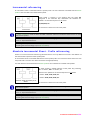
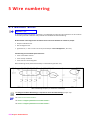
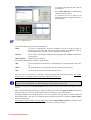
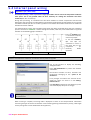
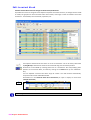
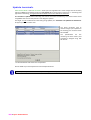
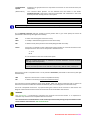
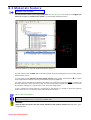
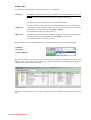
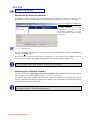
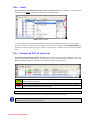
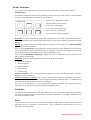
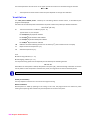
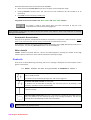
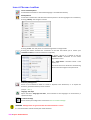
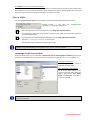
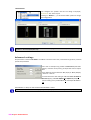
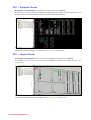
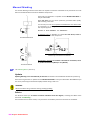
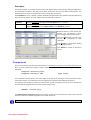
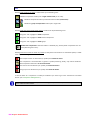
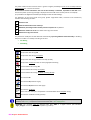
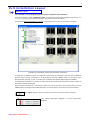
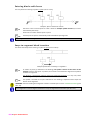
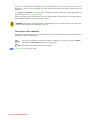
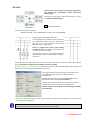
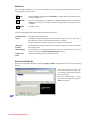
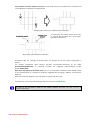
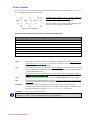
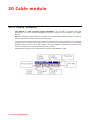
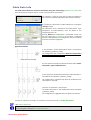
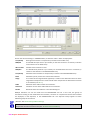
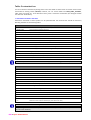
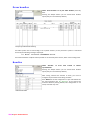
Add to the original
The translated and original text becomes a single line (assuming the
characteristics of the translation).
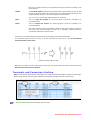
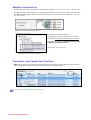
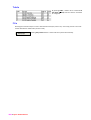
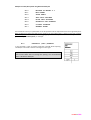
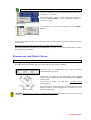
A prefix character should be inserted to separate the two
comments: in the example, the " \ " symbol has been used.
This parameter also works on the symbol attributes.
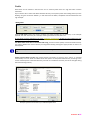
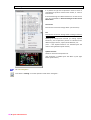
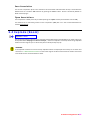
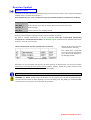
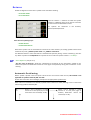
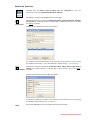
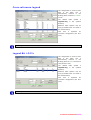
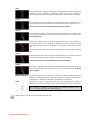
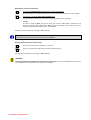
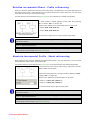
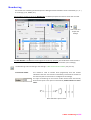
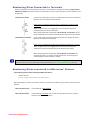
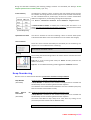
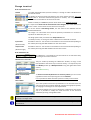
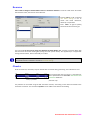
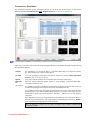
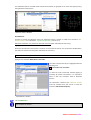
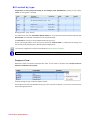
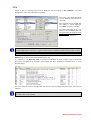
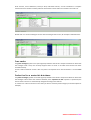
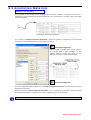
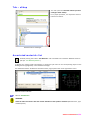
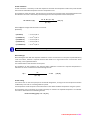
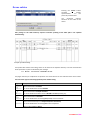
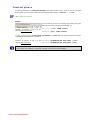
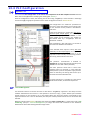
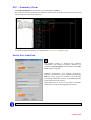
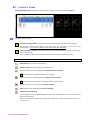
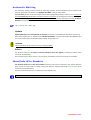
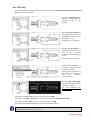
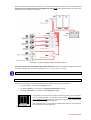
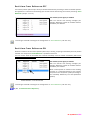
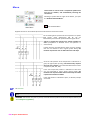
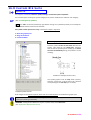
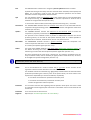
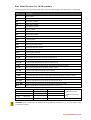
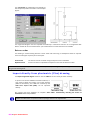
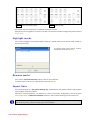
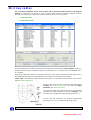
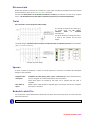
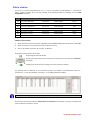
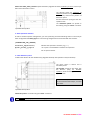
Replace with original
The translated text replaces the original and the initial phrase is
deleted.
This parameter also works on the symbol attributes.
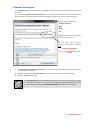
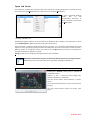
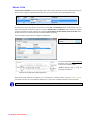
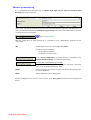
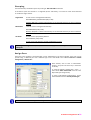
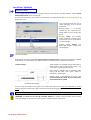
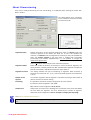
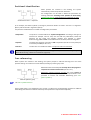
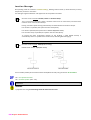
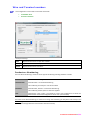
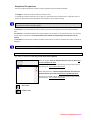
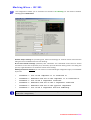
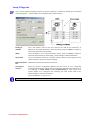
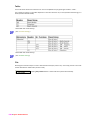
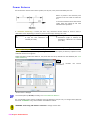
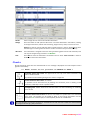
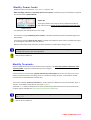
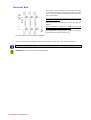
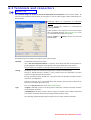
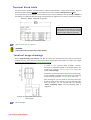
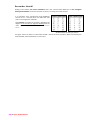
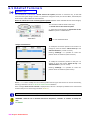
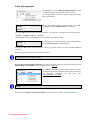
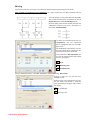
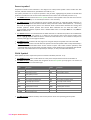
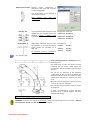
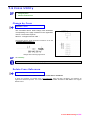
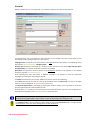
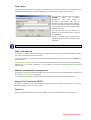
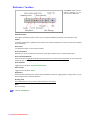
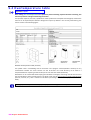
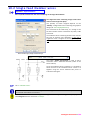
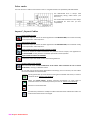
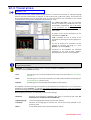
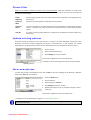
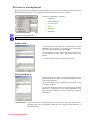
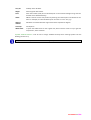
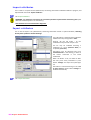
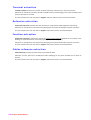
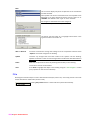
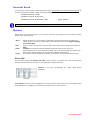
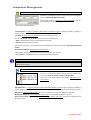
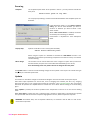
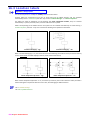
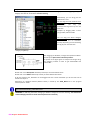
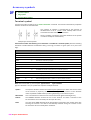
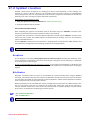
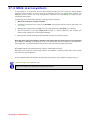
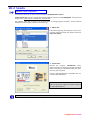
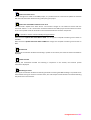
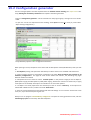
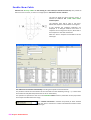
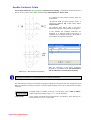
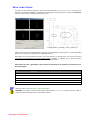
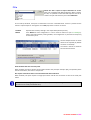
Interline \ Spacing
Setting of the offset mode (considers the distance required to insert
the translated text).
Offset
The offset is the distance at which to insert the translation and
works in conjunction with the options "Below original text" and
"Above original text".
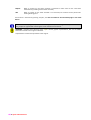
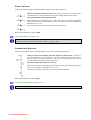
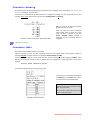
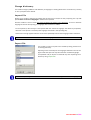
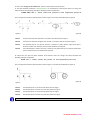
Prefix
This is used to indicate a separator in the "Add to text / Orig.
Attributes" option (characters or text).
Suffix
It is possible to specify a suffix to be associated with the translated
text.
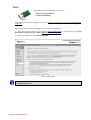
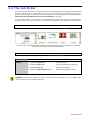
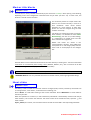
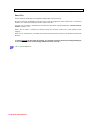
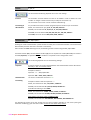
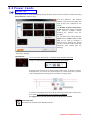
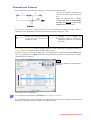
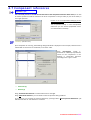
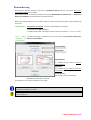
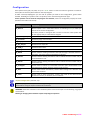
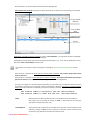
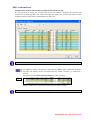
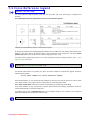
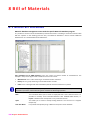
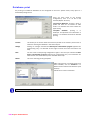
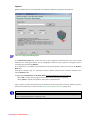
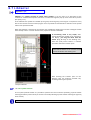
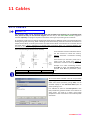
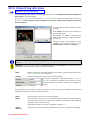
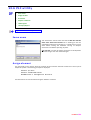
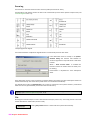
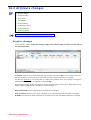
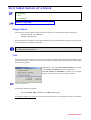
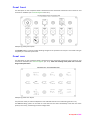
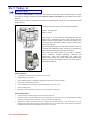
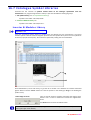
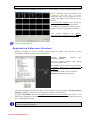
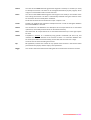
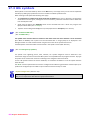
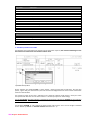
Processed blocks
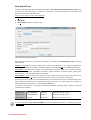
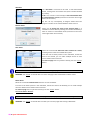
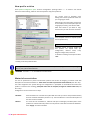
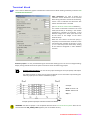
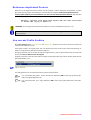
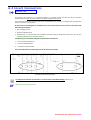
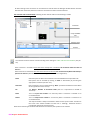
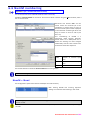
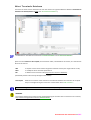
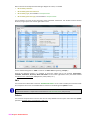
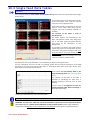
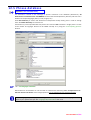
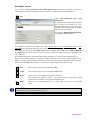
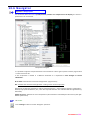
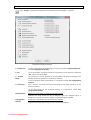
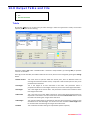
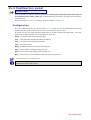
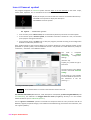
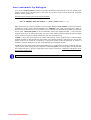
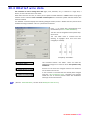
This section allows configuration of the Blocks to be processed and specification of the attributes (tags) to
be translated and those to host the translation.
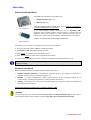
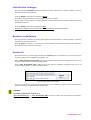
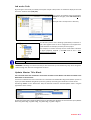
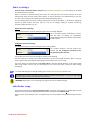
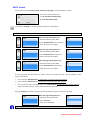
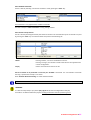
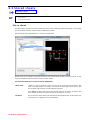
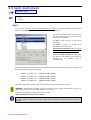
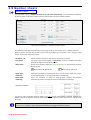
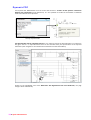
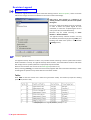
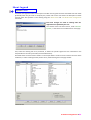
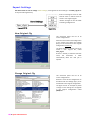
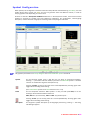
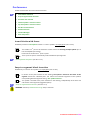
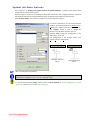
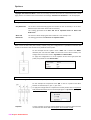
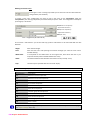
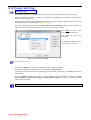
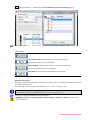
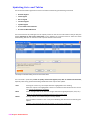
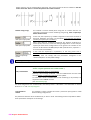
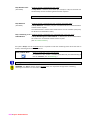
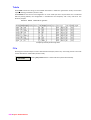
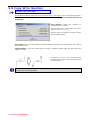
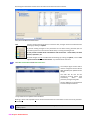
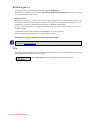
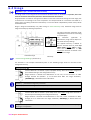
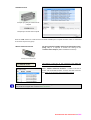
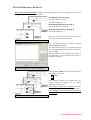
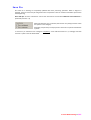
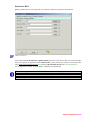
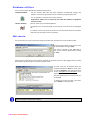
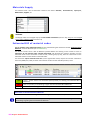
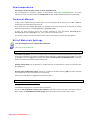
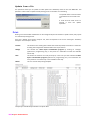
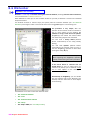
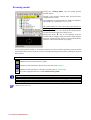
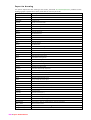
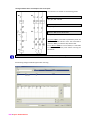
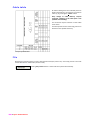
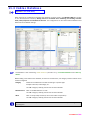
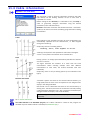
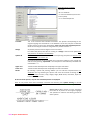
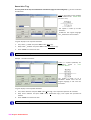
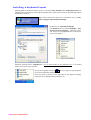
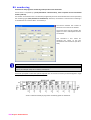
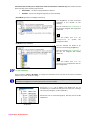
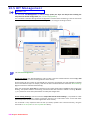
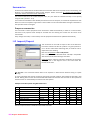
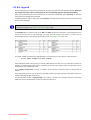
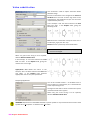
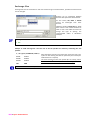
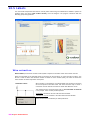
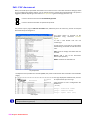
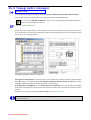
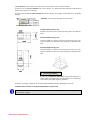
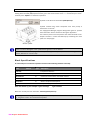
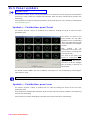
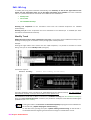
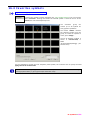
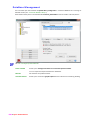
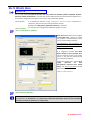
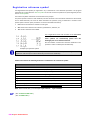
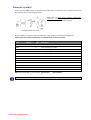
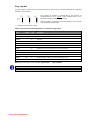
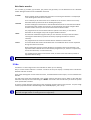
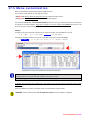
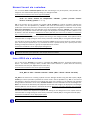
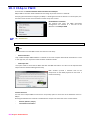
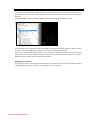
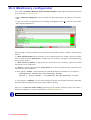
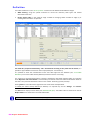
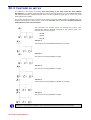
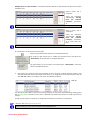
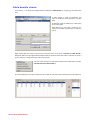
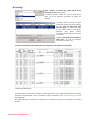
A list of symbols must be formulated:
Use Select Block to list all symbols used in the multisheet.
Choose these one by one and use Add to insert them in the list.
Use Select < to transfer the name of the block onto the drawing.
Use Add to insert the chosen or selected block in the list and
Delete to remove it.
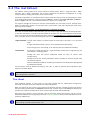
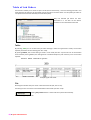
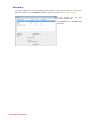
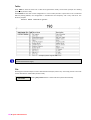
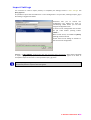
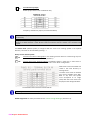
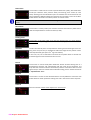
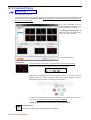
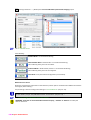
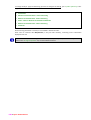
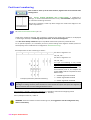
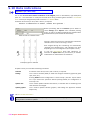
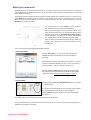
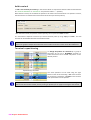
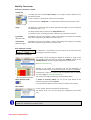
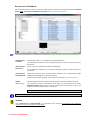
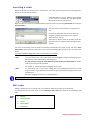
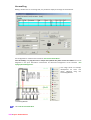
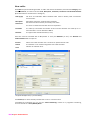
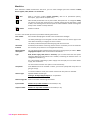
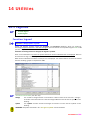
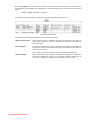
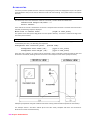
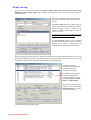
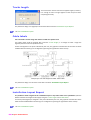
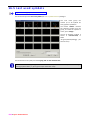
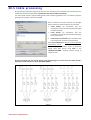
Select "TRAD*" to produce a list of all TRAD blocks.
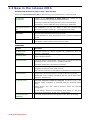
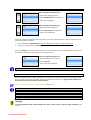
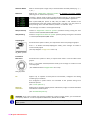
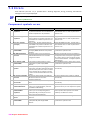
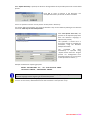
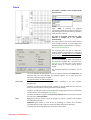
The example shows a list containing both TRAD* and TRAD2; this means that the TRAD symbols
configuration is valid for all symbols except TRAD2.
12 Translator • 315