1
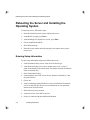
Rebooting the Server and Installing the Operating System
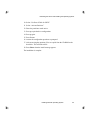
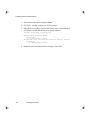
10. Select “Use Rest of Disk for UNIX.”
11. Select “Activate Partition.”
12. Enter the partition to make active.
13. Press q to quit the drive configuration.
14. Press q again.
15. Press Return.
16. Answer the configuration questions as prompted.
17. After answering the questions, files are copied from the CD-ROM to the
hard drive. This will take awhile.
18. Press Enter when the install message appears.
The installation is complete.
Installing Network Operating System
4-5