1
Steps
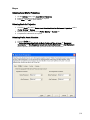
Selecting Quick Calculation Wizard
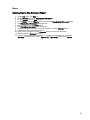
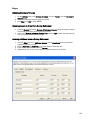
1. On the Wizards menu, click Quick Calculation, or on the Listbar, click the Wizards button,
and click the Quick Calculation button
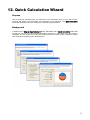
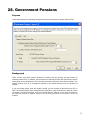
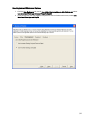
2. The Quick Calculation wizard will start
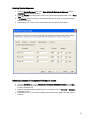
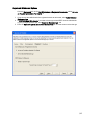
3. Enter information and select options as required
4. When complete, click the Finish button
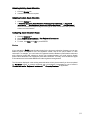
5. The RetireWare Calculation window appears
6. If you want to enter information for the other spouse, click the Continue button
7. Repeat steps 3 and 4 for the other spouse
8. If your work is complete, click the Calculate button to launch the calculation
9. When complete, a Summary appears
10. If you did a calculation for both spouses, a combined summary appears; to view the
Summary for each spouse, click the Spouse (1) or Spouse (2) button on the Listbar
36