1
Water Solution Screen Navigation
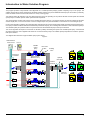
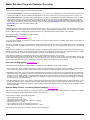
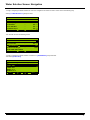
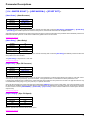
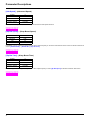
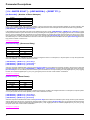
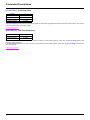
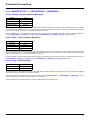
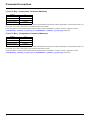
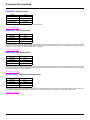
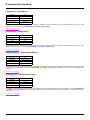
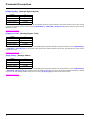
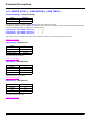
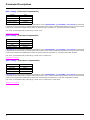
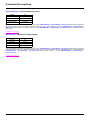
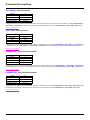
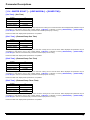
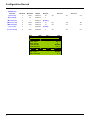
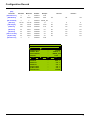
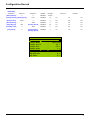
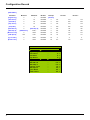
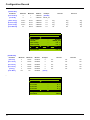
To begin configuring the Water Solution the user must navigate to the custom screens. This is done in the following way:
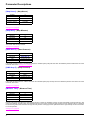
Select [1.14 WATER SOLUT.] and press enter
NST
APP
0.0H z
OFF
1,14 W ATER SOLUT.
TIME: 14:00
Flow Displa y
Act PID Re f
Loca l PID Re f
Fe e dba ck Pre s
:
:
:
:
:
C o de
OFF
0.00 l/s
0.0 B ar
0.0 B ar
0.0 B ar
Quic k
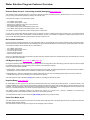
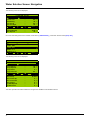
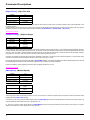
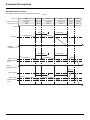
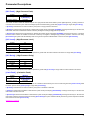
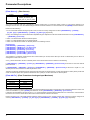
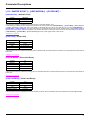
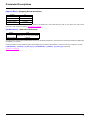
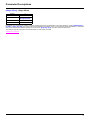
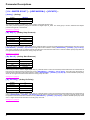
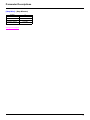
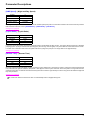
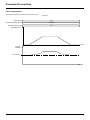
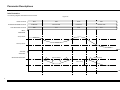
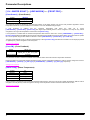
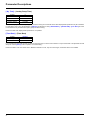
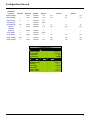
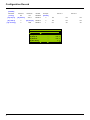
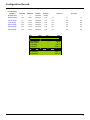
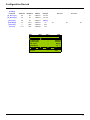
The user will now see the following screen
NST
APP
0.0H z
OFF
1,14 W ATER SOLUT.
Syste m Sta tus
Alt Loca l Re f
EXPANSION
Modbus a dd Prg C.
DATE/TIME SETTINGS
:
:
:
:
C o de
OFF
0.0 B ar
NO
OFF
Quic k
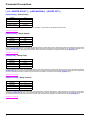
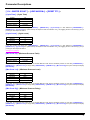
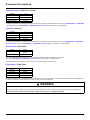
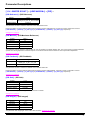
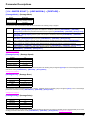
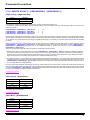
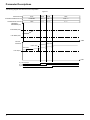
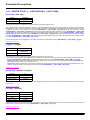
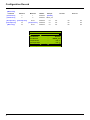
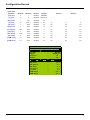
To begin configuring the Water Solution scroll down to [<EXPANSION>] and press enter
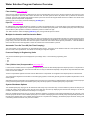
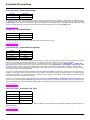
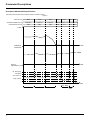
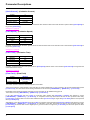
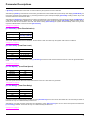
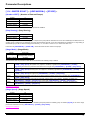
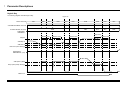
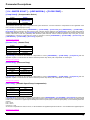
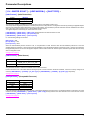
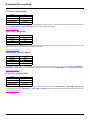
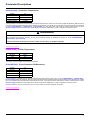
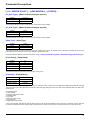
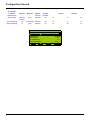
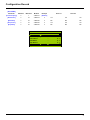
Then select [START SET]
NST
APP
0.0H z
EXPANSION
OFF
NO
START SET
SLEEP SET
RESET FLT
NRESET FLT
C o de
Quic k
19