1
Shallow Foundations (EC7-NL) – Input & Calculations
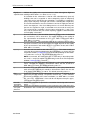
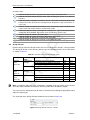
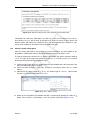
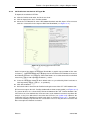
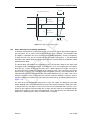
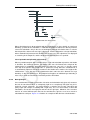
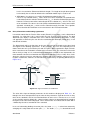
Berm width
Slope length
Slope height
Enter the distance between the edge of the foundation element and the top
of the slope.
Enter the horizontal measured distance between the slope top and the
slope bottom.
Enter the difference in height between the slope top and the slope bottom.
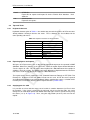
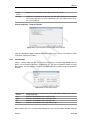
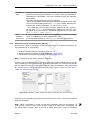
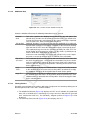
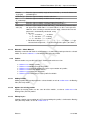
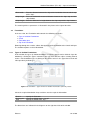
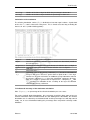
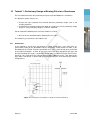
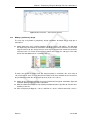
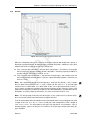
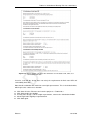
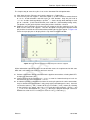
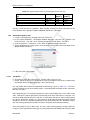
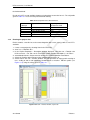
The meaning of these parameters is illustrated in the picture to the right of the table.
7.3
Foundation
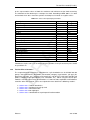
Types of Shallow Foundations
Loads
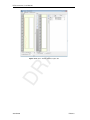
Foundation plan
Top View Foundation
T
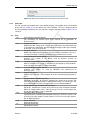
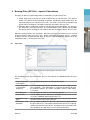
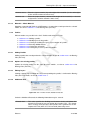
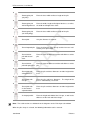
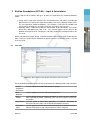
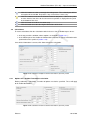
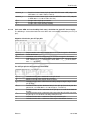
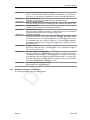
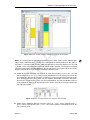
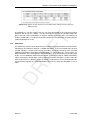
In the tree view, the Foundation node contains the following sub-nodes:
7.3.1
DR
AF
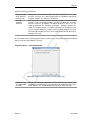
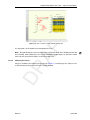
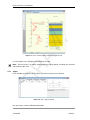
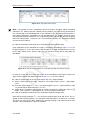
Browsing through these nodes, allows data applying to the foundation to be viewed and input.
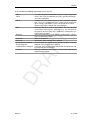
The available options are described below.
Types of Shallow Foundations
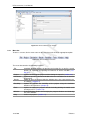
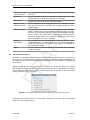
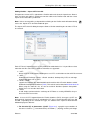
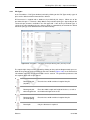
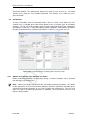
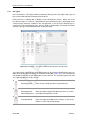
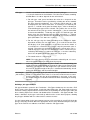
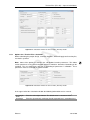
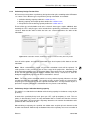
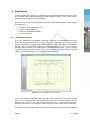
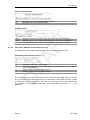
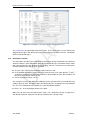
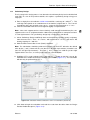
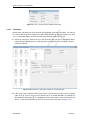
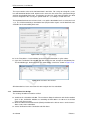
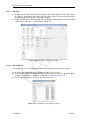
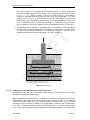
In this window, the types of shallow foundations used in the project can be defined. Open the
window by selecting the Types sub-node in the tree view and then either selecting New to
create a new foundation type, or clicking on one of the names in the Types box to view and
edit a previously defined type.
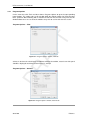
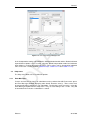
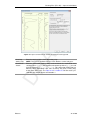
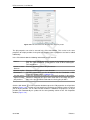
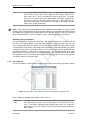
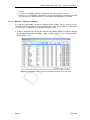
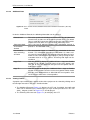
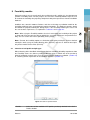
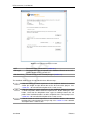
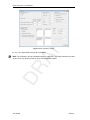
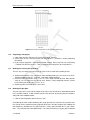
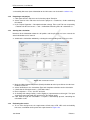
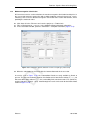
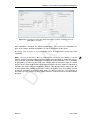
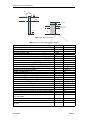
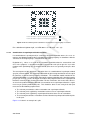
Figure 7.9: Foundation – Types window for Shallow Foundations (EC7-NL) model
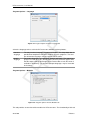
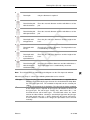
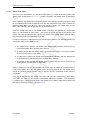
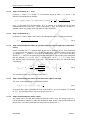
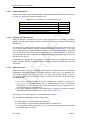
Select the required foundation shape and then enter the requisite information:
Round
Rectangular
Strip
Specify the Diameter.
Specify the Width and the Length.
Specify the Width of the strip.
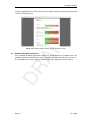
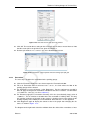
The dimensions are indicated in the diagrams on the right hand side of the window.
Deltares
121 of 280