1
75
GSM19 Series Magnetometers - Version 7
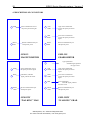
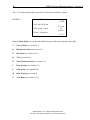
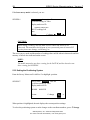
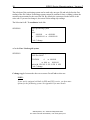
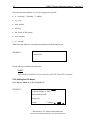
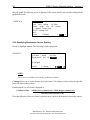
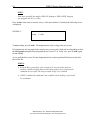
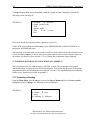
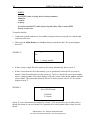
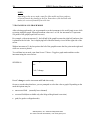
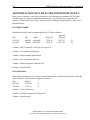
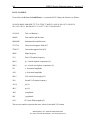
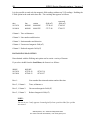
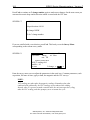
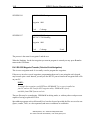
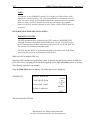
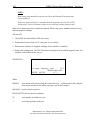
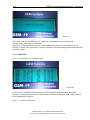
When you select D-Default, the system automatically starts sending data. When you select FCustom, the system displays Screen 72.
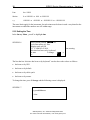
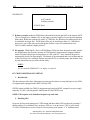
SCREEN 72
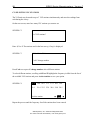
SEND format is:
X Y elevation nT nT/m sq cor-nT sat time
picket-x picket-y *
A-send C-Change
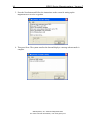
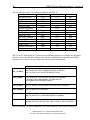
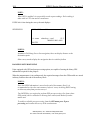
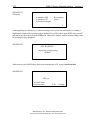
1. To alter the order of data values, position the cursor on the field that you want to change and
press C. The system scrolls through a series of values.
2. Choose the one that you want and either move to the next field or select A-send to start
transmitting the data.
GEM Systems, Inc. Advanced Magnetometers
For more technical information, visit www.gemsys.ca