1
MSPRP User Manual
Chapter 4: Account ID & Account Manager Setup
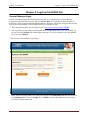
Account Setup - Representative
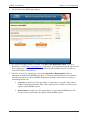
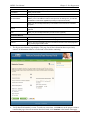
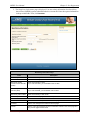
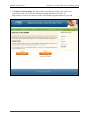
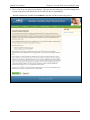
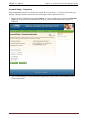
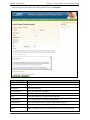
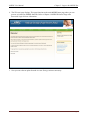
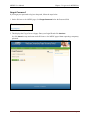
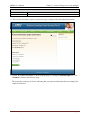
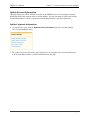
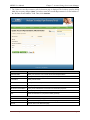
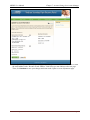
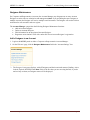
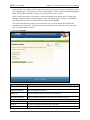
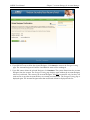
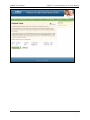
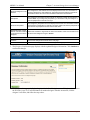
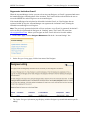
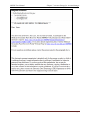
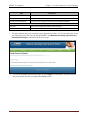
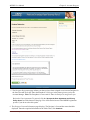
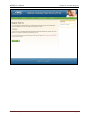
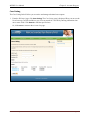
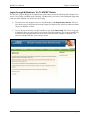
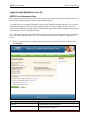
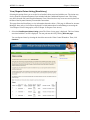
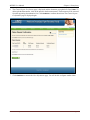
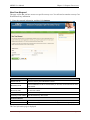
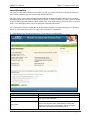
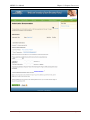
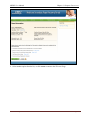
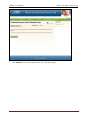
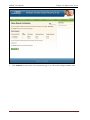
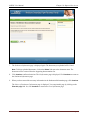
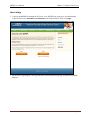
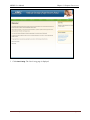
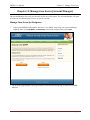
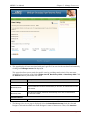
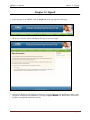
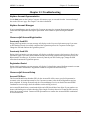
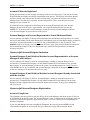
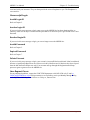
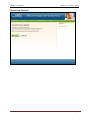
After all information has been verified by the system, the Account Setup – Representative Information page
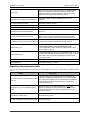
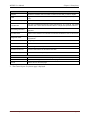
displays. This page displays information entered during the initial registration process.
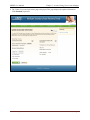
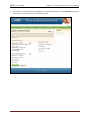
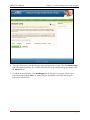
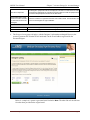
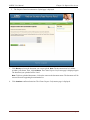
1. Review the listed information and click Continue. You can print this page by clicking the Print this
page link. If any of the listed information is incorrect, contact an EDI representative to have it
corrected.
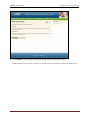
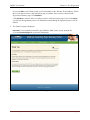
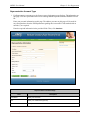
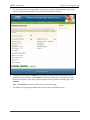
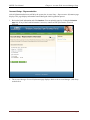
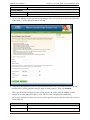
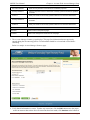
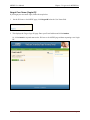
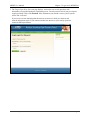
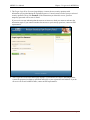
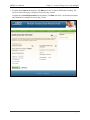
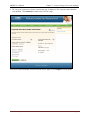
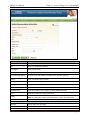
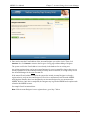
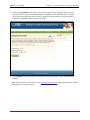
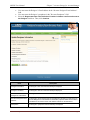
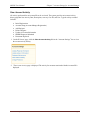
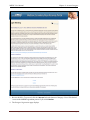
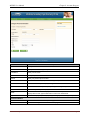
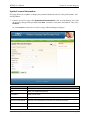
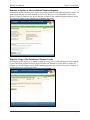
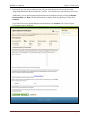
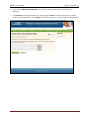
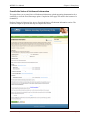
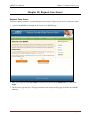
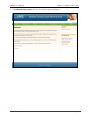
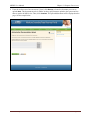
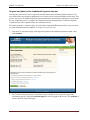
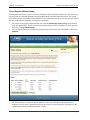
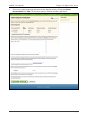
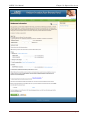
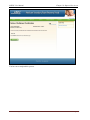
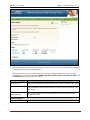
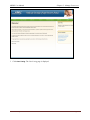
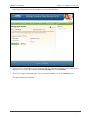
2. The Account Manager Personal Information page displays. Refer to the Account Manager (AM) Setup
section below.
Rev. 2012-1/July
Page 33