1
3 INSTALLATION AND UNINSTALLATION
MELSOFT
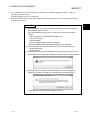
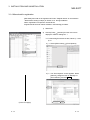
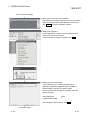
(From the previous page)
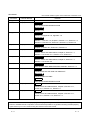
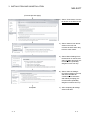
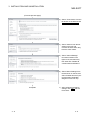
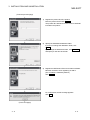
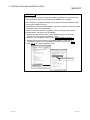
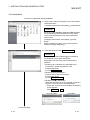
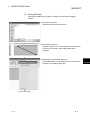
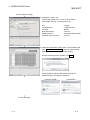
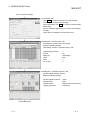
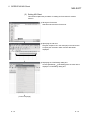
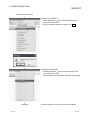
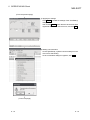
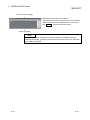
3) As the left screen appears, make sure that all
applications have been closed and click OK .
If the applications are running, close all the running
applications.
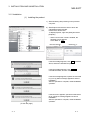
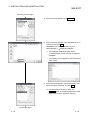
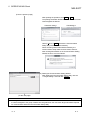
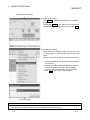
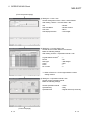
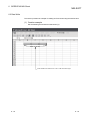
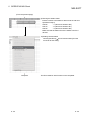
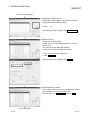
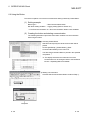
4) Setup starts.
As the left screen appears, read the information and
click Next> .
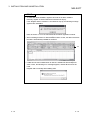
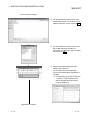
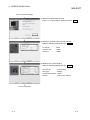
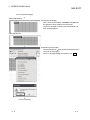
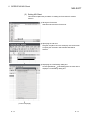
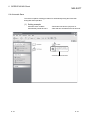
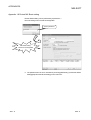
5) Enter the name and company name, and then click
Next> .
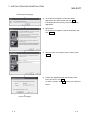
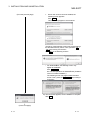
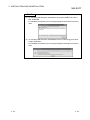
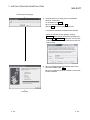
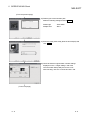
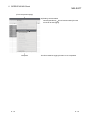
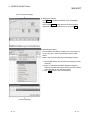
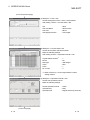
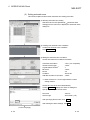
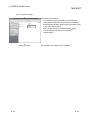
6) Confirm the registered name and company name.
If they are correct, click Yes .
To make a change, click No to return to the previous
screen.
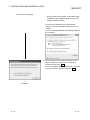
(To the next page)
3-8
3-8