1
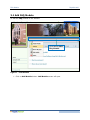
FAQ Module
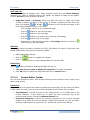
Text/Image
Enable Print
Enable Search
RapidVector®
•
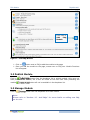
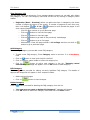
Click on radio button to show text or image as a
top link
• If you will select Image than browse image
option will appear
Note:
This options will be available only if you have
selected Show ‘Top’ Link check box
• Click on check box to enable print option to users
• Click on check box to enable search option to
users
Optional
Optional
Optional
¾
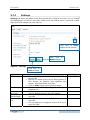
Click on
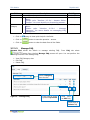
button to save the settings. “Settings saved successfully.”
Message will appear
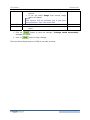
¾
Click on
button to clear changes.
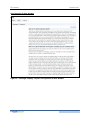
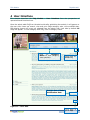
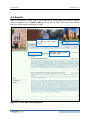
There are three display layouts of FAQ at user side as below:
19