1
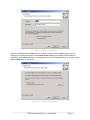
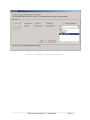
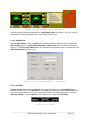
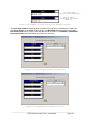
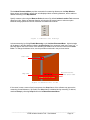
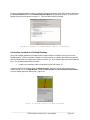
A message will appear (see Figure 1.6) allowing you to start the installation or move back to change
setup information. Once you are ready to start the installation press the Next button.
Figure 1.6 Begin Installation
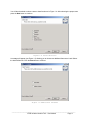
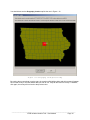
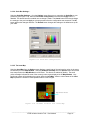
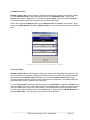
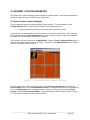
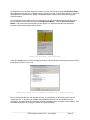
During the installation a message will appear showing the progress of installation as shown in Figure 1.7.
Figure 1.7 Installation Progress
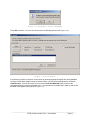
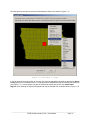
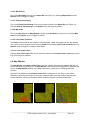
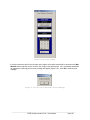
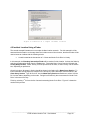
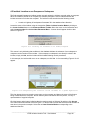
You will know the installation was successful by seeing the message shown in Figure 1.8.
________________________________________________________________________
CTRE Incident Location Tool – User Manual
Page 4