1
MC5 Programming Software Reference Manual
16. Address Menu
16.1 Activation and function key lay-out
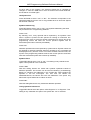
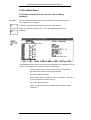
The Address Menu is a sub-menu of the Information Menu. You can
access the Information Menu from the Main Menu by pressing function key
F7 (Info), and enter the Address Menu from there by pressing F8
(Address).
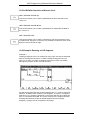
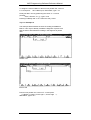
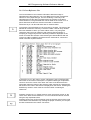
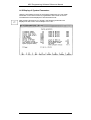
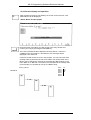
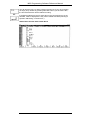
When you have activated the menu, the program will automatically display
the entry window for the new address (see chapter 16.3), and the function
key lay-out of the Address Menu.
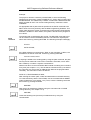
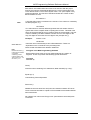
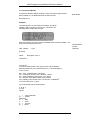
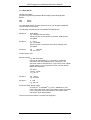
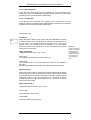
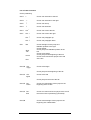
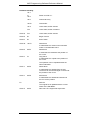
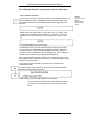
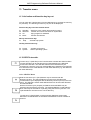
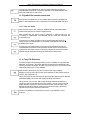
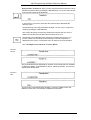
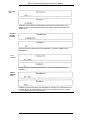
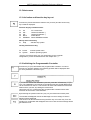
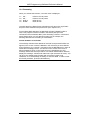
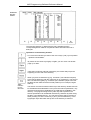
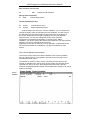
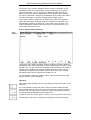
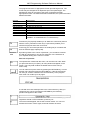
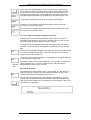
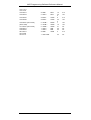
Function key lay-out Address Menu
F1
F2
F3
F4
F6
F7
F8
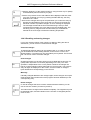
Address Choose new memory range
Scroll
Display of memory range is refreshed starting
from the position of the cursor.
Edit
Enable or disable data input
Undo
Undo changes byte wise (word wise)
Mark
Mark memory range
Fill
Fill memory range
Print
Print memory range
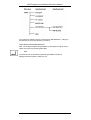
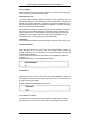
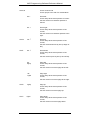
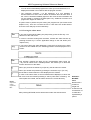
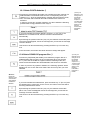
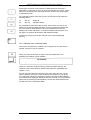
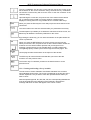
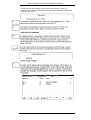
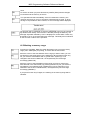
Alt key and function key
F1
F2
F4
Help
Write
Delete
Activate help system
Transfer changes to PC
Delete list of changes
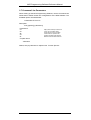
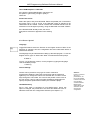
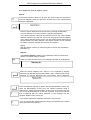
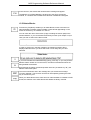
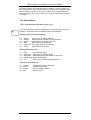
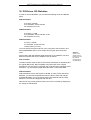
Ctrl key and function key
F3
F4
Preset
System
Rev. 00/35
Activate preset menu
Shell to operating system
VIPA
16-1