1
MC5 Programming Software Reference Manual
9.1.3.3 Gate level
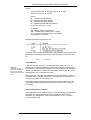
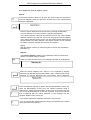
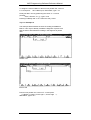
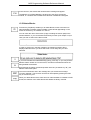
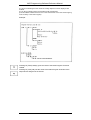
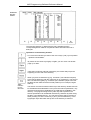
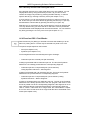
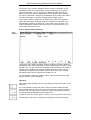
The bottom level of the CSF-editor is the Gate level. On this level, you can
edit the parameters of the Gates.
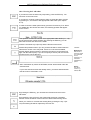
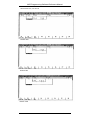
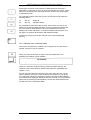
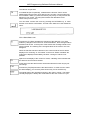
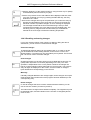
Every Gate has one or more parameters. The parameters can be changed
by moving the cursor to the parameter and by pressing the RETURN key.
The change will be excepted after the RETURN key has been pressed.
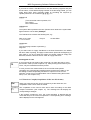
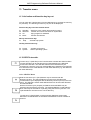
In case of Gates with more parameters (Timers, Counters and Compare
functions), the parameters will be selected one after the other. However it is
not absolutely necessary to handle all parameters (e.g. the Bl- or DE-output
of a Timer). It is also allowed to Delete these fields. When a parameter is
absolutely necessary, you can not leave the field you were editing until a valid
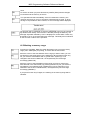
entry has been given. The deletion of parameters is done by pressing the
ESC-key.
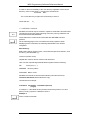
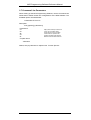
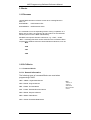
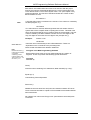
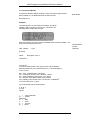
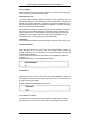
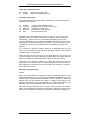
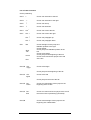
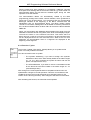
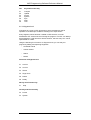
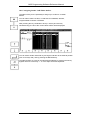
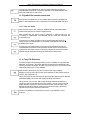
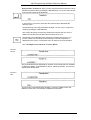
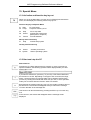
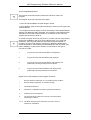
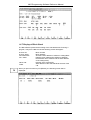
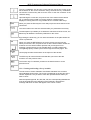
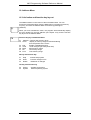
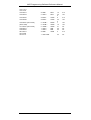
Function keys on Gate level
F1
F2
F3
F4
F5
F6
F7
F8
&
»=1
=/#
SP
SE
SD
SS
SF
AND gate
OR gate
Output gate or "intermediate flag"
SP timer gate
SE timer gate
SD timer gate
SS timer gate
SF timer gate
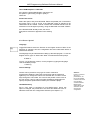
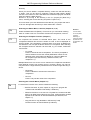
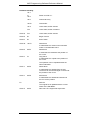
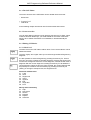
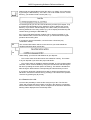
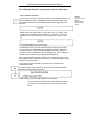
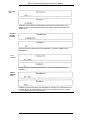
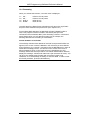
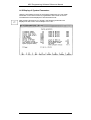
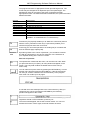
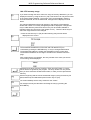
Alt key and Function key
F1
F2
F3
F5
F6
Help
S-FF/S
R-FF /R
JU
JC
Activate the Help system
S-flip-flop gate or Set
R-flip-flop gate or Reset
Unconditional Jump to Function Blocks
In empty Segment: conditional jump to Function
Blocks As Output condition: conditional jump to
Program Blocks
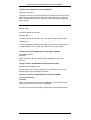
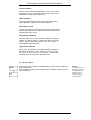
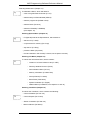
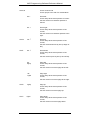
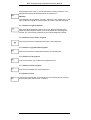
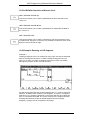
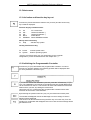
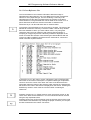
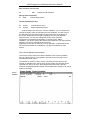
Ctrl key and Function key
F1
CU
CU Counter gate
F2
CD
CD Counter gate
F3
!=
!= compare function gate
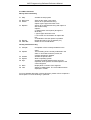
F4
»«
»«compare function gate
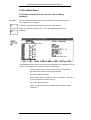
F5
»
» compare function gate
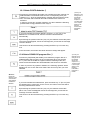
F6
»=
»= compare function gate
F7
«
« compare function gate
F8
«=
«= compare function gate
Rev. 00/35
VIPA
9-5