1
User manual Version 9.3, Rev. 0, September 2008
Oasys D3PLOT
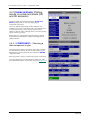
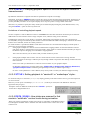
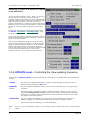
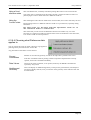
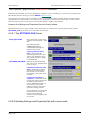
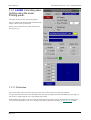
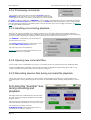
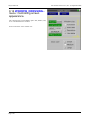
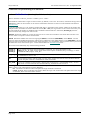
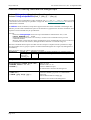
7.3.1.2 Choosing the laser filename
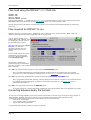
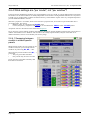
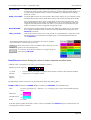
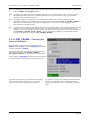
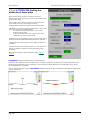
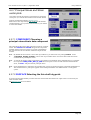
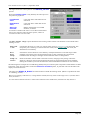
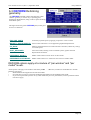
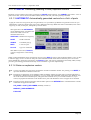
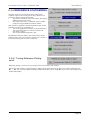
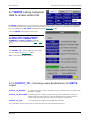
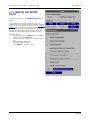
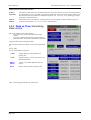
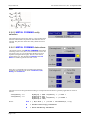
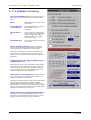
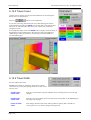
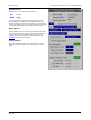
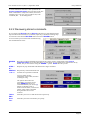
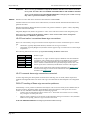
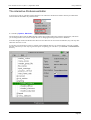
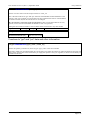
When no file is currently in use the File: entry box will be available. You can give any valid filename for the next
laser file to be written, or let D3PLOT choose one for you. You can also use the
standard file filter box.
button to select a file via the
If the file already exists you will be queried to check that you genuinely want to overwrite it: you cannot append to
existing laser files.
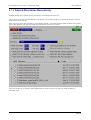
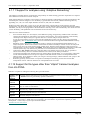
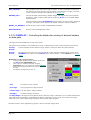
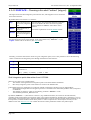
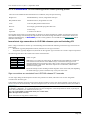
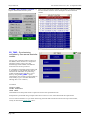
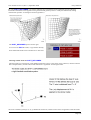
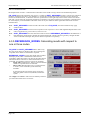
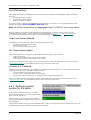
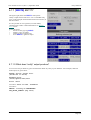
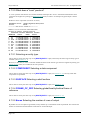
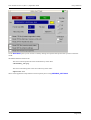
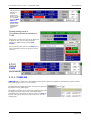
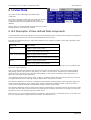
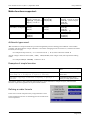
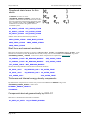
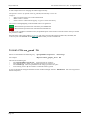
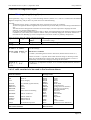
The default naming convention used by D3PLOT for laser files is postNNN.pdf, where:
NNN is a 3 digit number (with leading zeros if required) in the range 001 - 999.
Any existing files are skipped when the next file in the sequence is computed, so in the example above file
post001.ps already exists.
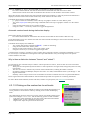
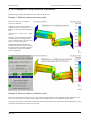
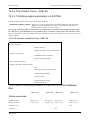
7.3.1.3 Defining a label and figure
number for laser plots.
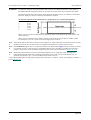
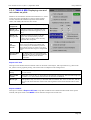
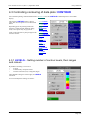
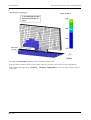
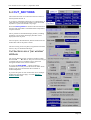
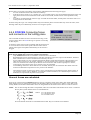
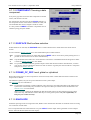
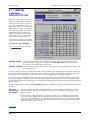
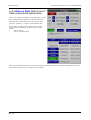
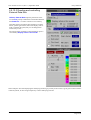
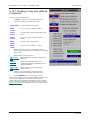
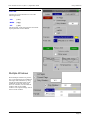
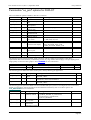
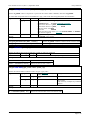
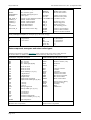
By default laser files are not labelled and have no figure number, but you may add either or both of these. They are
always put at the bottom of the page, along the short edge, regardless of the orientation used for plots.
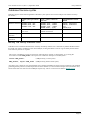
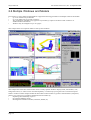
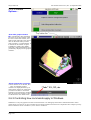
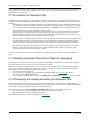
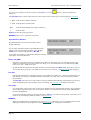
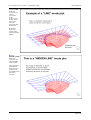
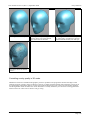
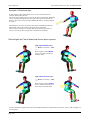
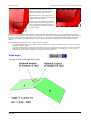
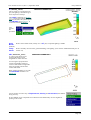
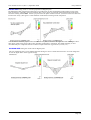
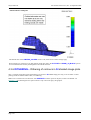
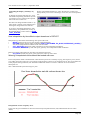
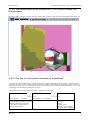
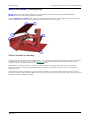
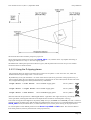
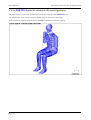
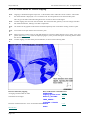
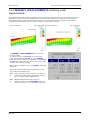
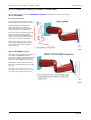
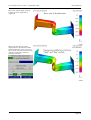
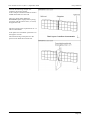
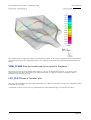
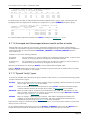
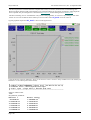
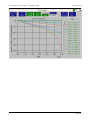
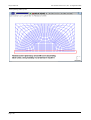
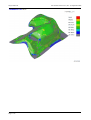
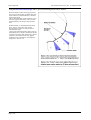
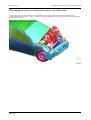
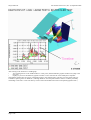
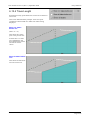
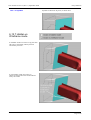
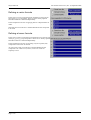
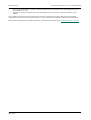
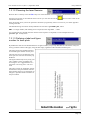
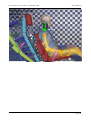
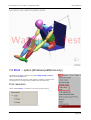
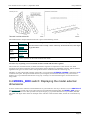
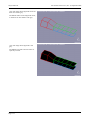
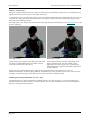
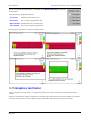
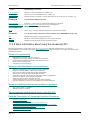
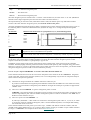
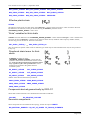
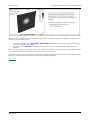
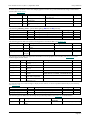
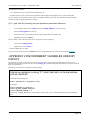
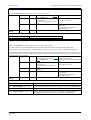
This figure shows the standard locations
for title and figure number on laser plots.
The title may be up to 80 characters long,
and is split over two lines if necessary by
D3PLOT.
The figure number may be any string (not
just a number), and is preceded by the
word "figure". It is suggested that it is 6
characters or less long: here "12a" was
used.
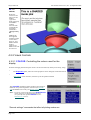
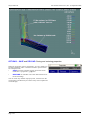
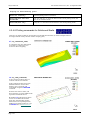
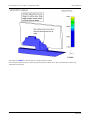
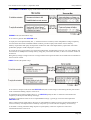
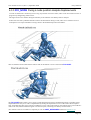
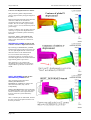
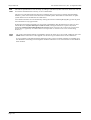
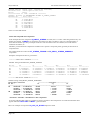
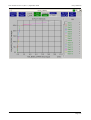
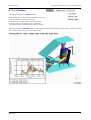
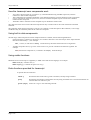
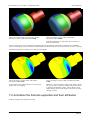
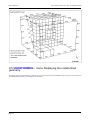
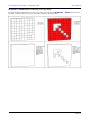
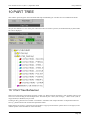
This plot is written in "landscape" format,
and reinforces the point that the title and
figure number always go at the bottom of
the paper, regardless of the orientation of
the plot contents.
Page 7.13