1
Oasys D3PLOT
User manual Version 9.3, Rev. 0, September 2008
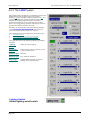
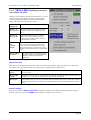
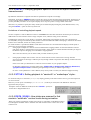
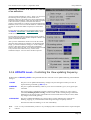
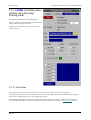
6.12.3 Setting Properties for Individual Graphs
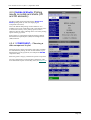
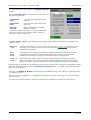
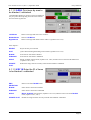
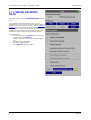
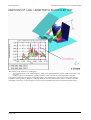
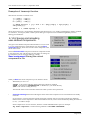
The options in the T/HIS Global Command menu always apply to all of the T/HIS graphs that are currently active.
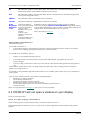
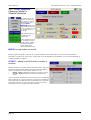
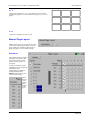
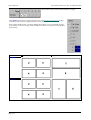
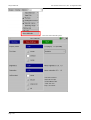
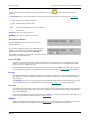
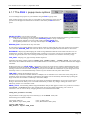
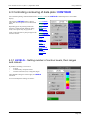
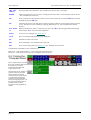
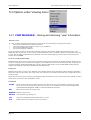
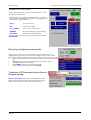
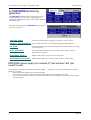
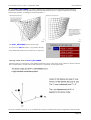
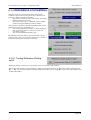
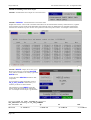
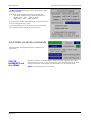
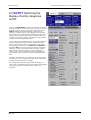
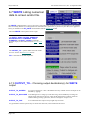
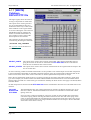
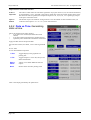
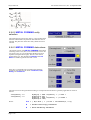
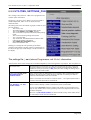
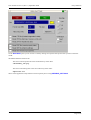
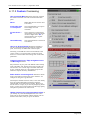
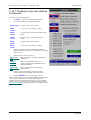
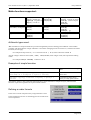
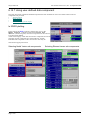
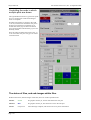
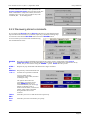
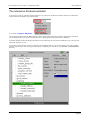
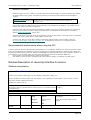
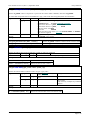
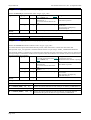
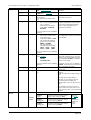
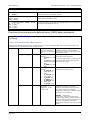
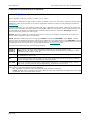
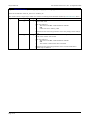
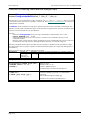
Properties for individual graphs can be set using the Display drop down menu at the top of each T/HIS graph.
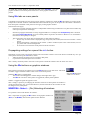
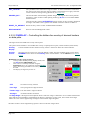
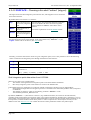
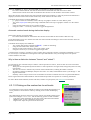
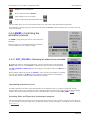
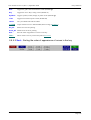
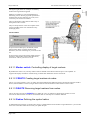
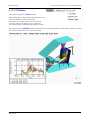
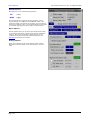
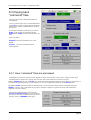
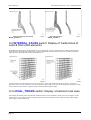
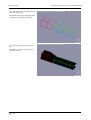
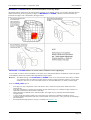
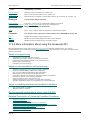
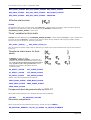
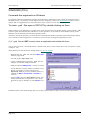
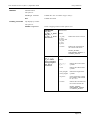
Timeline This option can be used to turn on
and off the display of the Timeline
and the D3PLOT window controlling
the timeline for a single T/HIS graph.
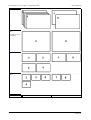
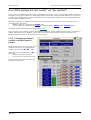
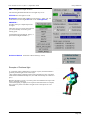
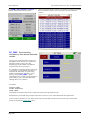
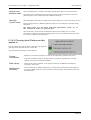
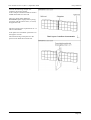
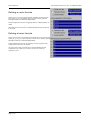
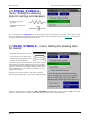
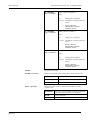
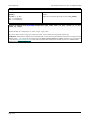
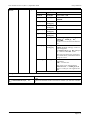
Type
This option control the position of the
T/HIS graph in relation to other
windows (see Section 6.12.2.2 for
more details)
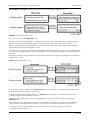
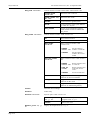
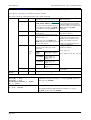
Parent
Set the parent for CHILD windows
(see Section 6.12.2.3 for more
details)
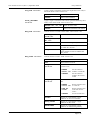
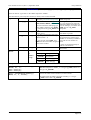
Position Set the position for CHILD windows
(see Section 6.12.2.4 for more
details)
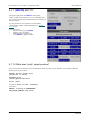
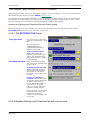
6.12.4 Using IMAGES to capture linked images to file.
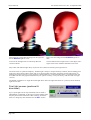
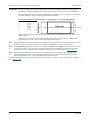
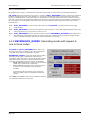
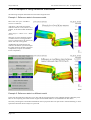
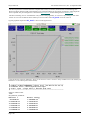
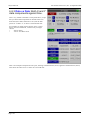
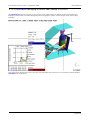
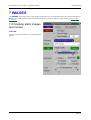
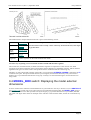
The IMAGES command in D3PLOT is capable of capturing images containing both D3PLOT and T/HIS windows,
(see Section 7.0 for more details.)
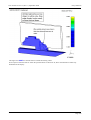
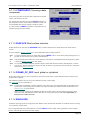
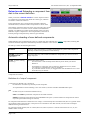
As T/HIS windows can be located within D3PLOT windows the transparency of T/HIS windows can be adjusted so
that the underlying D3PLOT image can be seen through the T/HIS window.
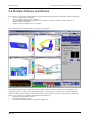
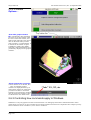
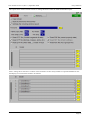
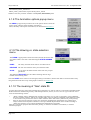
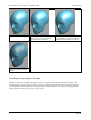
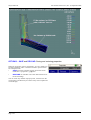
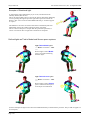
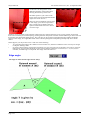
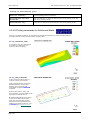
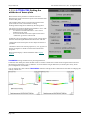
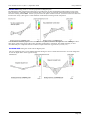
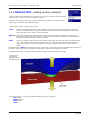
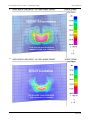
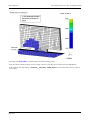
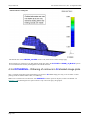
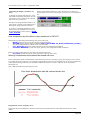
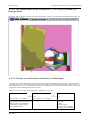
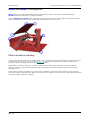
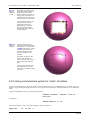
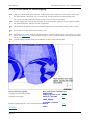
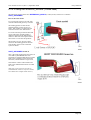
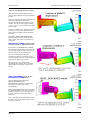
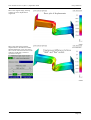
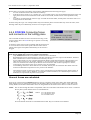
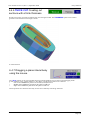
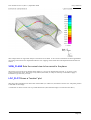
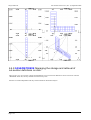
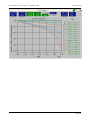
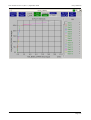
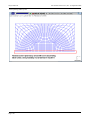
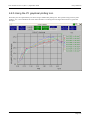
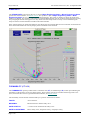
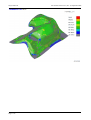
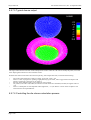
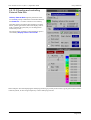
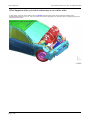
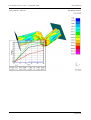
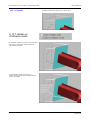
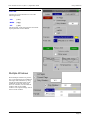
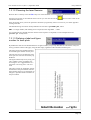
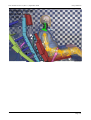
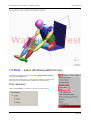
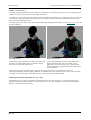
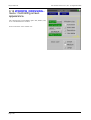
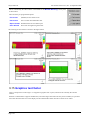
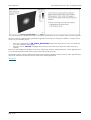
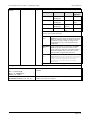
The figure below shows an example of a 50% transparent "docked" T/HIS image overlying the D3PLOT one. In the
undocked or "sibling" cases a composite image will be the size of the rectangular bounding box required to enclose the
selected windows.
Page 6.152