1
3. Summary/Display Tool: Multi Data Viewer
(5) Specifying Display Date and Time
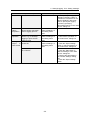
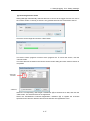
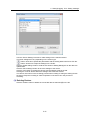
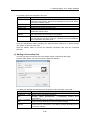
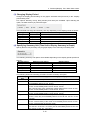
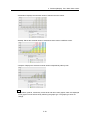
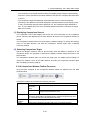
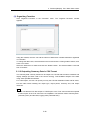
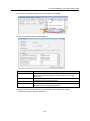
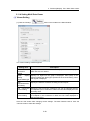
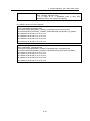
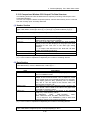
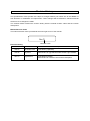
To specify the date and time for the graph display, select "Date/time" in "Graph Setting". The
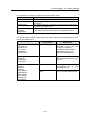
shown button and combo box options vary depending on the selected display period.
・Minute:
Select year, month, day, hour and minute values in the combo boxes. The previous minute
and next minute can be selected by using the buttons.
・Hour:
Select year, month, day and hour values in the combo boxes. The previous hour and next
hour can be selected by using the buttons.
・Day:
Select year, month and day in the combo boxes. The previous day and next day can be
selected by using the buttons.
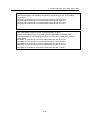
・Month:
Select year and month in the combo boxes. The previous month and next month can be
selected by using the buttons.
・Year:
Select year in the combo box. The previous year and next year can be selected by using
the buttons.
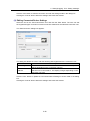
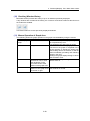
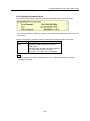
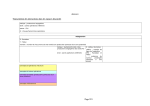
(6) Switching Bar Graph Type
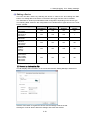
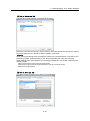
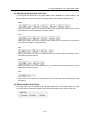
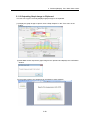
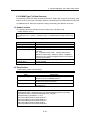
The graph type can be changed for energy data displayed in a bar graph. Select the type
from three types: summation, stacked, and grouped bar graphs in the "Graph Type" area.
3-17