1
USING YOUR MENU
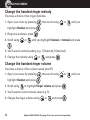
Change the handset ringer melody
You have a choice of ten ringer melodies.
1. Open your menu by pressing
, then scroll using
highlight Handset and press
2. Ring tone is shown, press
3. Scroll using
or
or
until you
.
.
until you highlight External or Internal and press
.
4. You’ll see the melody setting (e.g. 7 [External], 9 [Internal]).
5. Change the melody using
or
and press
.
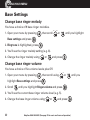
Change the handset ringer volume
You have a choice of five volume levels plus Off.
1. Open your menu by pressing
highlight Handset and press
2. Scroll using
, then scroll using
or
until you
.
to highlight Ringer volume and press
.
3. You’ll see the current volume level (e.g. 5).
4. Change the ringer volume using
32
or
and press
.
Helpline 0844 800 6503 (See page 70 for costs and hours of operation)