1
Instrukcja obsługi oprogramowania
sieciowego
Multi-Viewer
MultiViewer 3.1
- User’s
Manual 2.54 . Wersja 1.0.
OPERATION
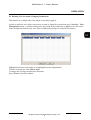
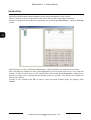
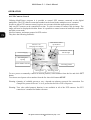
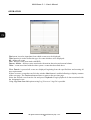
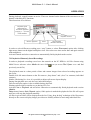
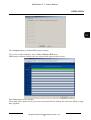
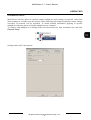
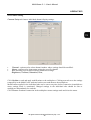
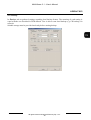
Start menu is used to input date from which events are to be displayed.
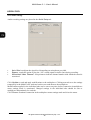
Filter function is used to define the type of events which are to be displayed:
All - defines all events
Disk - defines events associated with HDD
Sensor, Motion - defines events associated with motion detection and external alarms.
Other - events associated with the other system events then described above
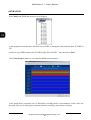
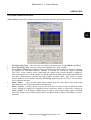
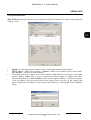
When Search is pressed all events are displayed beginning from the specified date and meeting all
user requirements.
If there are more events then can fit in the window Next button is enabled allowing to display contents
of the next page. The Previous button allows to return to the previous page .
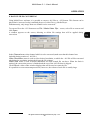
Select the desired event from the list and press Playback to begin playback of data associated with
the designated event.
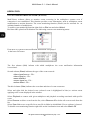
Using Log Save from List option saving Log View as a *.log file is possible.
All rights reserved © NOVUS Security Sp. z o.o.
20