1
3 awired
com
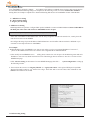
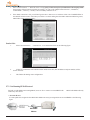
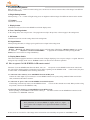
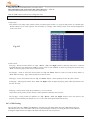
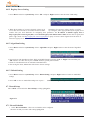
1. Press “Menu” and select “System Setup”. Choose “COM Ports” and press “Right” button to enter COM Port screen.
Fig 4.6.8
Note: If the PTZ camera is controlled by RS-485 or RS422 interface, please disable “COM2 hardware flow control” in COM
Port Setting.
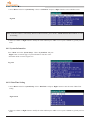
2. Please use “Left” or “Right” button to modify the values and then press “OK” to save or press “Cancel” to go back previous
menu.
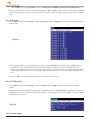
4.6.9 System Information
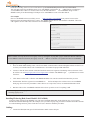
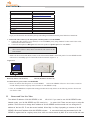
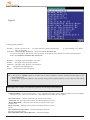
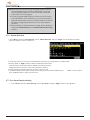
Press “Menu” and select “System Setup”. Choose “System Info” and press
“Right” button to enter the page of system information. Just show some
information inside 3A-100 as Figure 4.6.9.
Fig 4.6.9
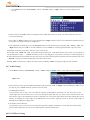
4.6.10 Date/Time Setting
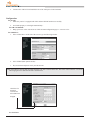
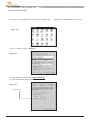
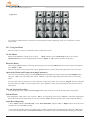
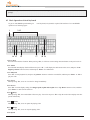
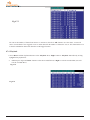
1. Press “Menu” and select “System Setup”. Select “Date/Time” and press “Right” button to enter the menu of Date/Time
setting.
Figure 4.6.10
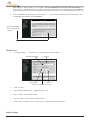
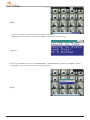
2. Please use “Left” or “Right” button to modify the values and then press “OK” to save or press “Cancel” to go back previous
menu.
43