1
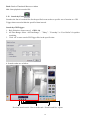
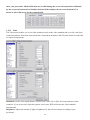
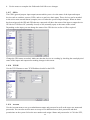
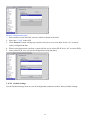
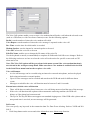
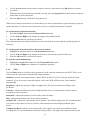
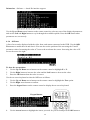
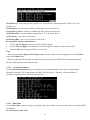
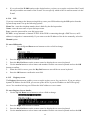
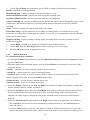
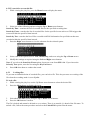
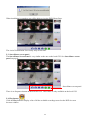
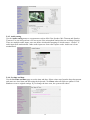
iii. Press the Cancel button to return to the previous menu when done.
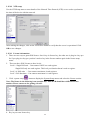
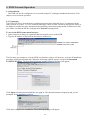
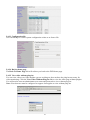
6. Select the Save option and press the OK button to save all your changes.
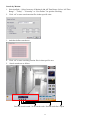
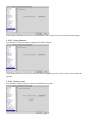
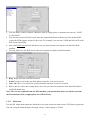
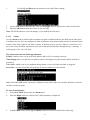
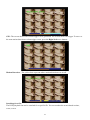
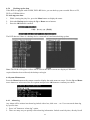
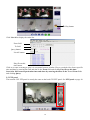
7. Use the Prev Page and Next Page buttons to move to the motion detection menus for all connected
cameras.
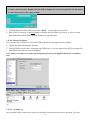
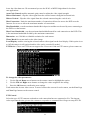
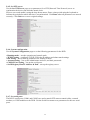
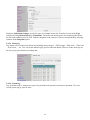
8. Press the OK button when settings are correct. You need to provide E-mail details if you want an
E-mail to be sent when an alarm occurs.
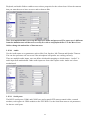
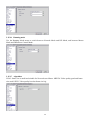
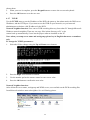
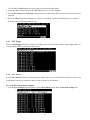
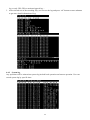
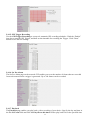
4.4.4 GPI Trigger
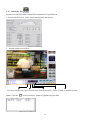
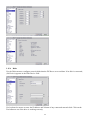
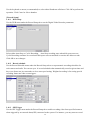
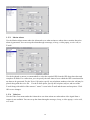
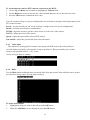
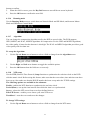
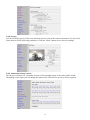
Use the GPI Trigger function to enable recording video from specified cameras when triggered by an
external alarm (GPI) connected to the system.
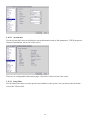
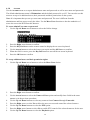
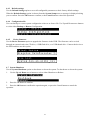
4.4.5 Pre- Alarm
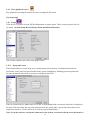
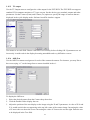
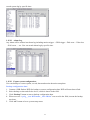
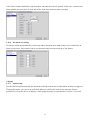
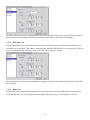
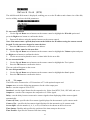
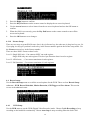
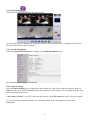
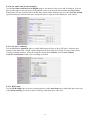
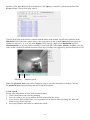
Use the Pre-Alarm function to determine how many frames are recorded before an alarm event occurs.
Each camera can be set separately and you can record up to 300 frames.
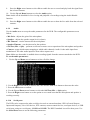
To set the Pre-Alarm frame capture:
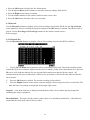
1. Use the Up and Down arrow buttons to select Pre-Alarm option from the Record Setup menu.
61