1
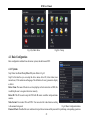
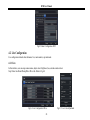
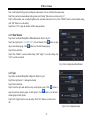
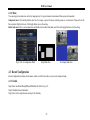
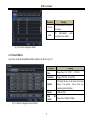
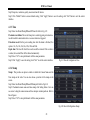
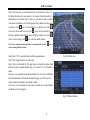
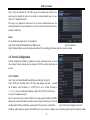
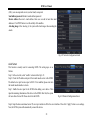
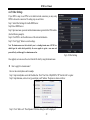
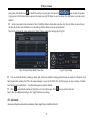
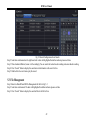
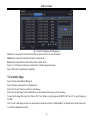
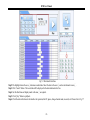
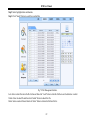
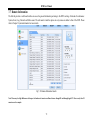
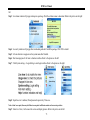
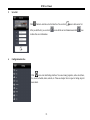
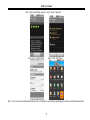
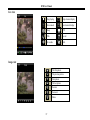
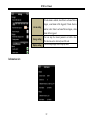
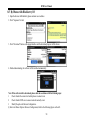
DVR User Manual 4.5.3 Video Loss Step1: Enter into MenuSetupAlarmVideo Loss tab. Refer to Fig 4-26: Step2: The setup steps of video loss trigger are similar to alarm handling. You can refer to Chapter 4.5.1 Sensor alarm handling for more details. Step3: Click “Apply” button to save the setting; click “Exit” button to exit the current interface. Fig 4-26 Video Loss 4.5.4 Other Alarm This tab gives a choice to configure alarm for Disk Full, IP Conflict, the Disconnect event, Disk Attenuation or Disk Lost. Step1: Enter into MenuSetupOther alarm tab. Refer to Fig 4-27: Step 2: Use the dropdown menu and select the event or the alarm. Step 3: Check the required trigger options. If the selected event is “Disk Full”, then use the drop down box for “Disk Shortage Alarm” to choose a threshold value for remaining HDD space. If the threshold value is reached, the system will trigger the Disk Full Alarm. Click “Apply” to save settings; Click “Exit” to exit the current interface Fig 4-27 Other Alarm 4.5.5 Alarm Out Alarm out includes three sub menus: alarm out, schedule and buzzer. To setup alarm out: Step 1: Enter into MenuSetupAlarm out tab. Refer to Fig 4-28. Input relay name and hold time. 35