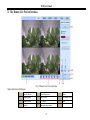
1
DVR User Manual
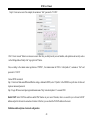
the presets, etc.
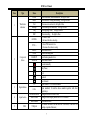
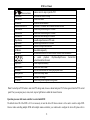
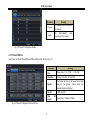
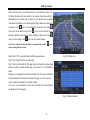
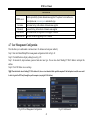
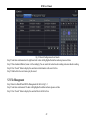
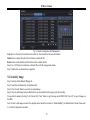
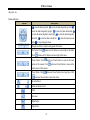
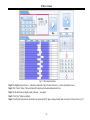
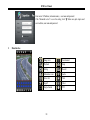
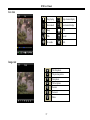
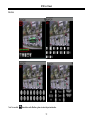
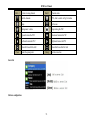
Buttons definition:
Buttons
Description
to rotate the dome upwards.
to rotate the dome diagonally up-left. to
rotate the dome diagonally up-right.
to rotate the dome downwards.
to rotate the dome diagonally down-right.
to rotate the dome diagonally
down-left. to rotate the dome towards left.
to rotate the dome towards
right.
to stop rotating the dome.
Drag the scroll bar to adjust rotating speed of the dome.
'Iris' button. Click
Click
button near 'Iris' button to increase light of the dome.
button near 'Iris' button to decrease light of the dome.
'Zoom' button. Click
button near 'Zoom' button to zoom in the locale
picture of this camera. Click
locale picture of this camera.
'Focus' button. Click
button near 'Zoom' button to zoom out the
button near 'Focus' button to have long focus. Click
button near 'Focus' button to have short focus.
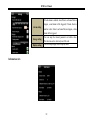
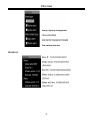
Go to the Preset
Select and do auto cruise
Track
Auto scan
Wiper button
Light button
63