1
143
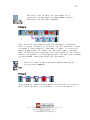
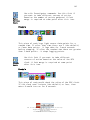
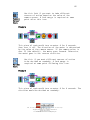
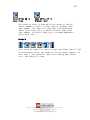
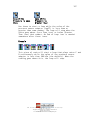
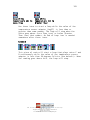
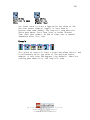
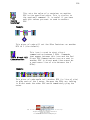
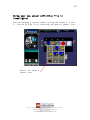
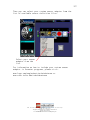
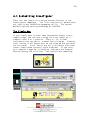
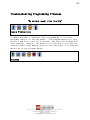
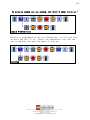
Set Up
Decrease
in Temp
(F) Event
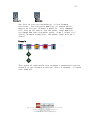
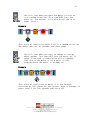
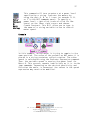
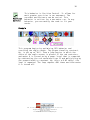
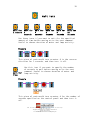
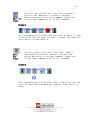
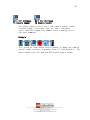
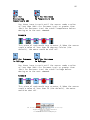
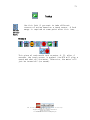
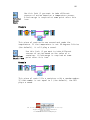
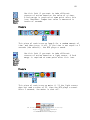
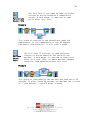
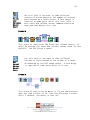
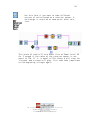
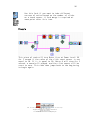
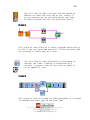
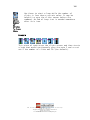
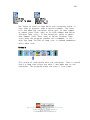
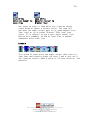
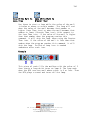
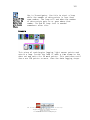
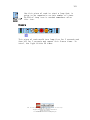
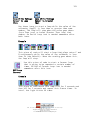
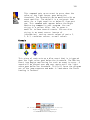
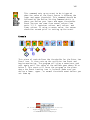
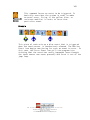
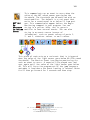
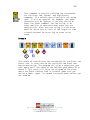
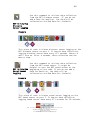
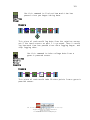
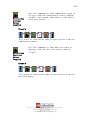
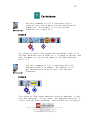
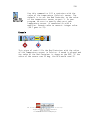
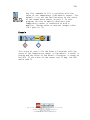
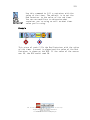
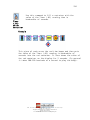
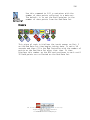
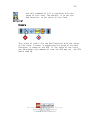
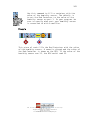
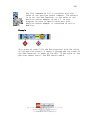
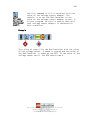
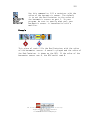
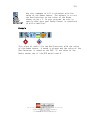
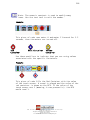
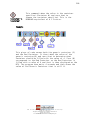
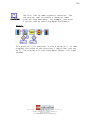
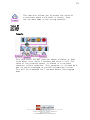
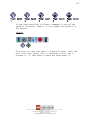
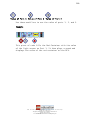
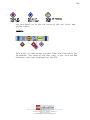
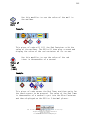
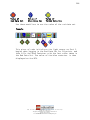
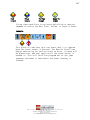
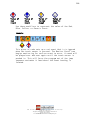
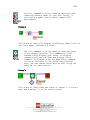
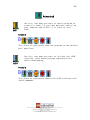
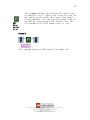
This command sets up an event to occur when the
value of the temperature sensor goes below the
threshold in Fahrenheit. The threshold can be
modified with an event modifier. The default is a
red event that waits for a temperature reading
below 80(F) from port one. This command must
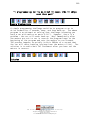
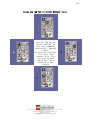
appear before the Begin Monitoring command in
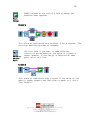
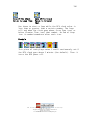
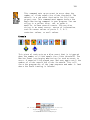
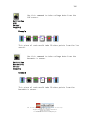
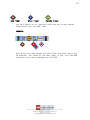
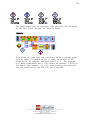
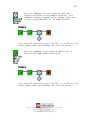
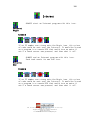
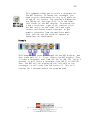
your program. You can string in a yellow, blue,
red, or generic modifier to have several events.
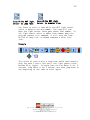
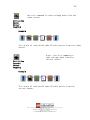
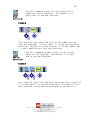
You can also string in an event source (source of
information), such as sensor values of ports 1,
2, & 3, container values, or mail values.
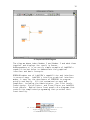
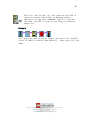
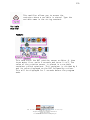
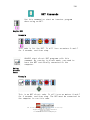
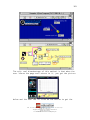
Example
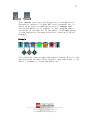
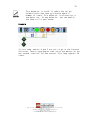
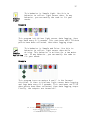
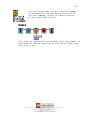
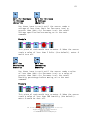
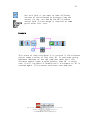
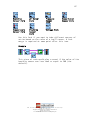
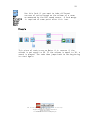
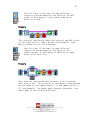
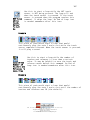
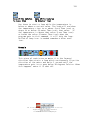
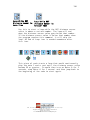
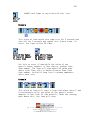
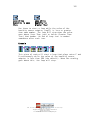
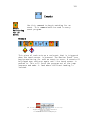
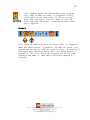
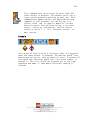
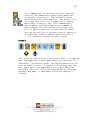
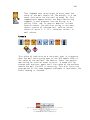
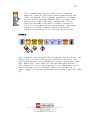
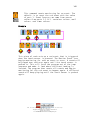
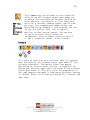
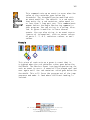
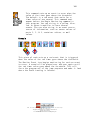
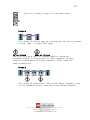
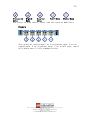
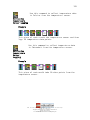
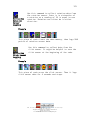
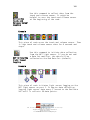
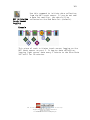
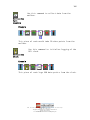
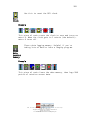
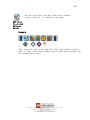
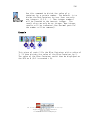
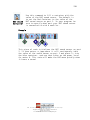
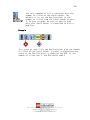
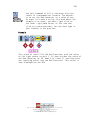
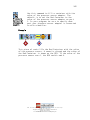
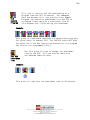
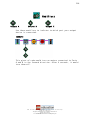
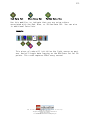
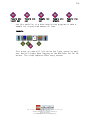
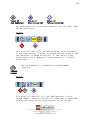
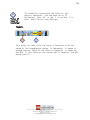
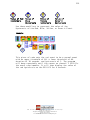
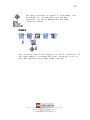
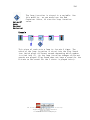
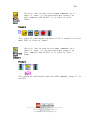
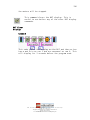
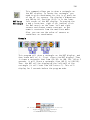
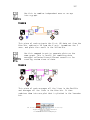
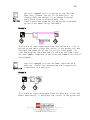
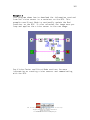
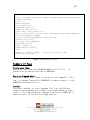
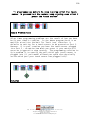
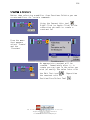
This piece of code sets up a blue event that is triggered
when the temperature value goes below the threshold in
Fahrenheit. The Monitor Event icon begins monitoring for
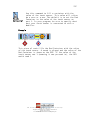
such an event to occur. A sound will be played over and
over again until the temperature value goes below the
threshold. This will force the program out of the jump
sequence and make it land where the Event Landing is
located.
LEGO, the LEGO logo and MINDSTORMS are trademarks of the LEGO Group.
© 2006 The LEGO Group.
This page may be photocopied for non-commercial educational use.
All other rights reserved.
Visit www.MINDSTORMSeducation.com & www.LEGOengineering.com