1
238
Formula
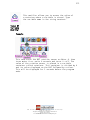
Container
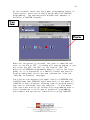
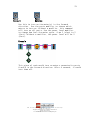
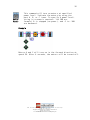
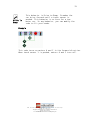
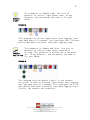
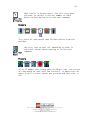
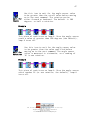
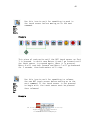
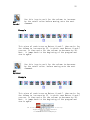
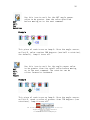
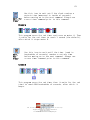
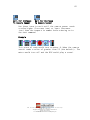
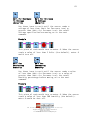
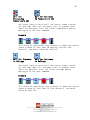
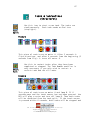
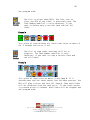
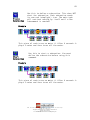
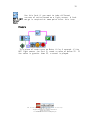
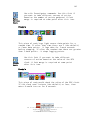
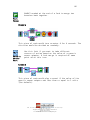
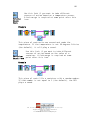
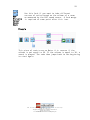
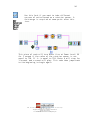
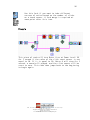
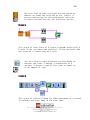
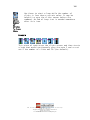
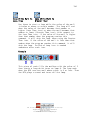
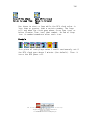
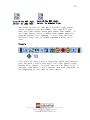
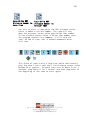
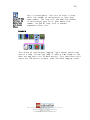
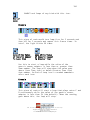
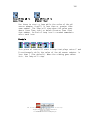
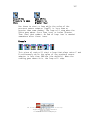
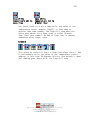
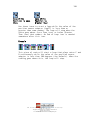
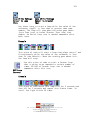
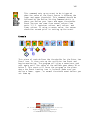
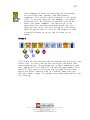
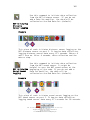
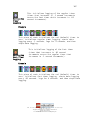
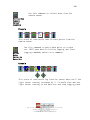
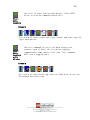
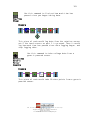
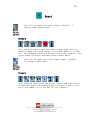
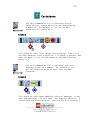
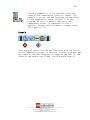
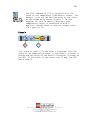
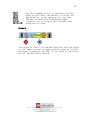
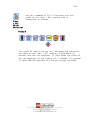
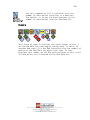
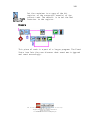
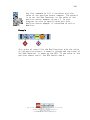
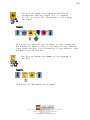
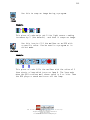
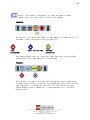
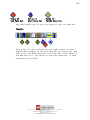
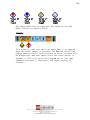
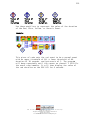
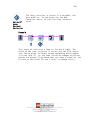
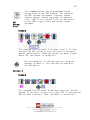
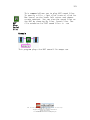
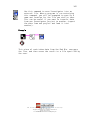
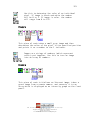
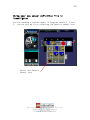
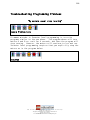
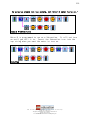
Use this command to fill a container with the
result of a mathematical formula. The default
is to set the Red Container to a value of one.
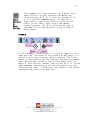
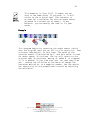
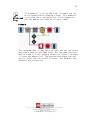
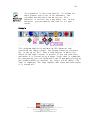
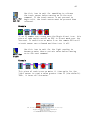
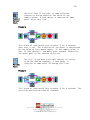
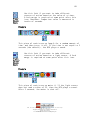
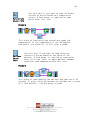
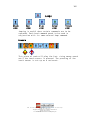
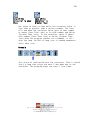
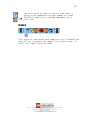
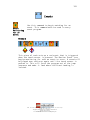
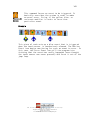
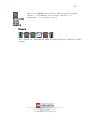
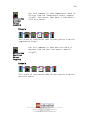
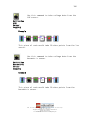
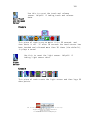
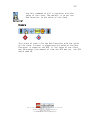
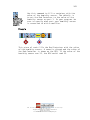
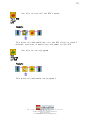
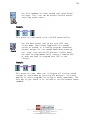
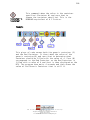
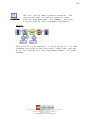
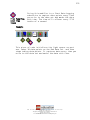
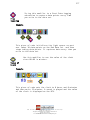
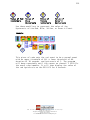
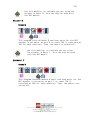
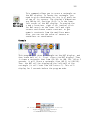
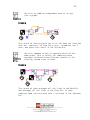
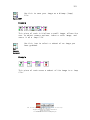
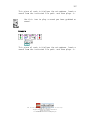
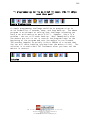
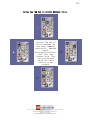
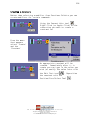
In order to create a string (the area where the
formula is written), you must right click on
the lower right hand corner of the icon and
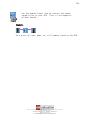
click on create→constant. You can then type in
your formula in the pink box.
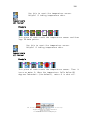
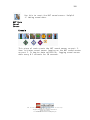
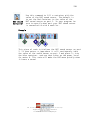
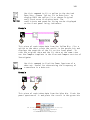
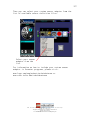
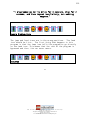
Example
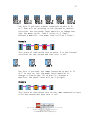
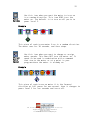
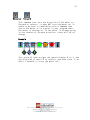
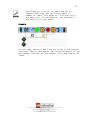
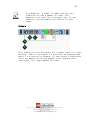
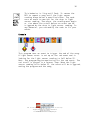
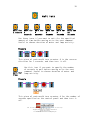
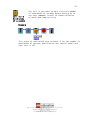
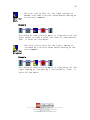
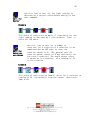
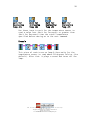
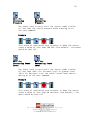
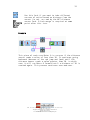
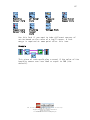
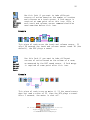
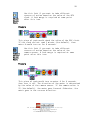
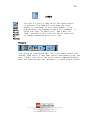
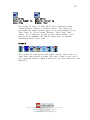
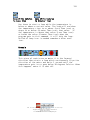
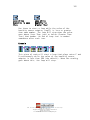
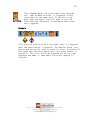
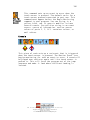
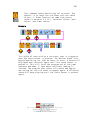
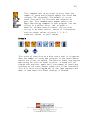
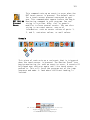
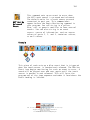
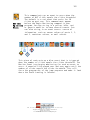
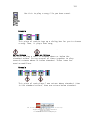
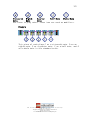
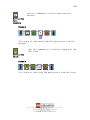
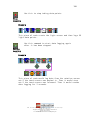
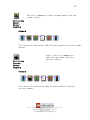
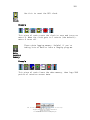
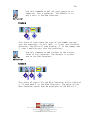
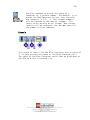
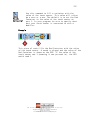
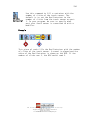
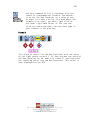
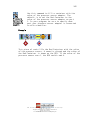
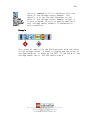
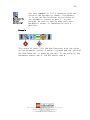
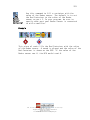
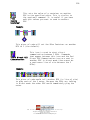
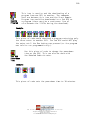
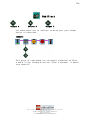
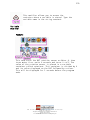
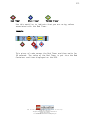
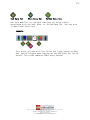
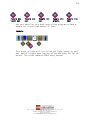
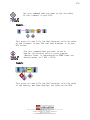
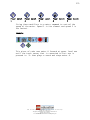
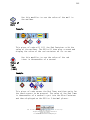
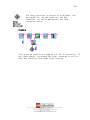
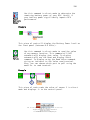
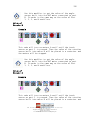
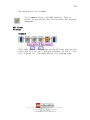
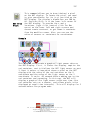
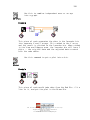
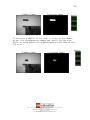
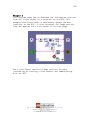
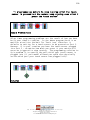
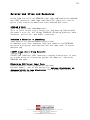
This piece of code fills the Red Container with the value
of the light sensor on port 1. It then divides the value of
the Red Container by 10, adds 8 (4 times 2), and then puts
the resulting value into the Red Container. This value is
then displayed on the RCX.
LEGO, the LEGO logo and MINDSTORMS are trademarks of the LEGO Group.
© 2006 The LEGO Group.
This page may be photocopied for non-commercial educational use.
All other rights reserved.
Visit www.MINDSTORMSeducation.com & www.LEGOengineering.com