1
261
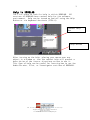
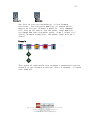
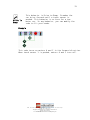
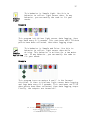
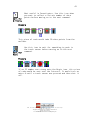
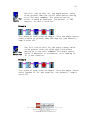
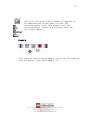
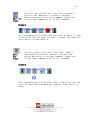
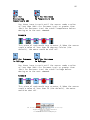
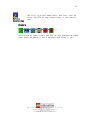
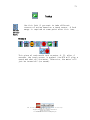
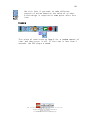
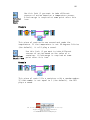
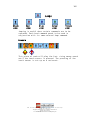
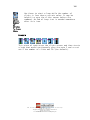
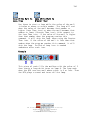
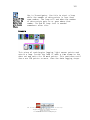
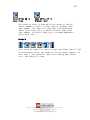
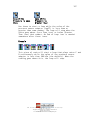
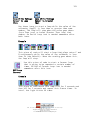
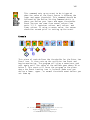
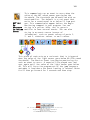
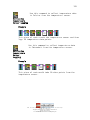
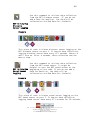
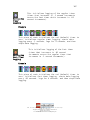
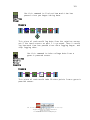
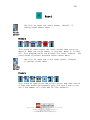
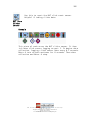
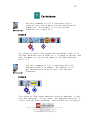
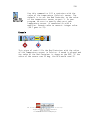
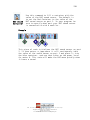
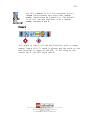
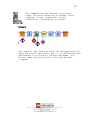
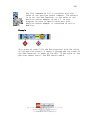
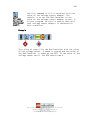
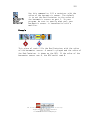
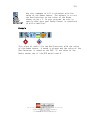
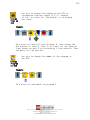
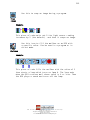
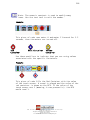
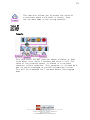
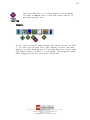
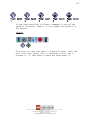
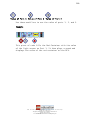
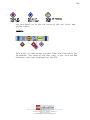
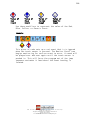
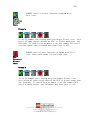
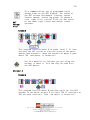
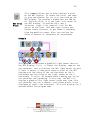
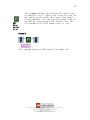
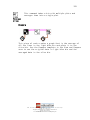
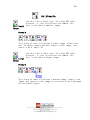
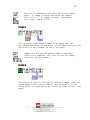
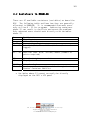
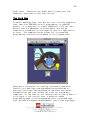
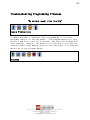
Use this to snap an image during a program.
Snap
Image
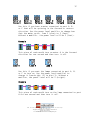
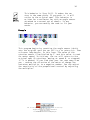
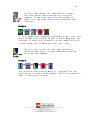
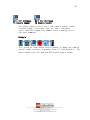
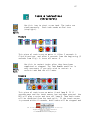
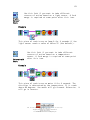
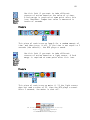
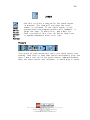
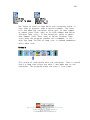
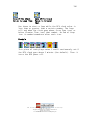
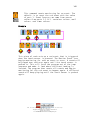
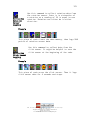
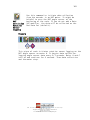
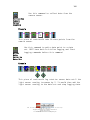
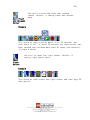
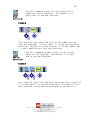
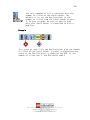
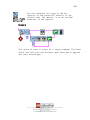
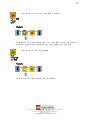
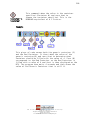
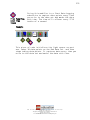
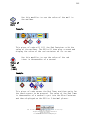
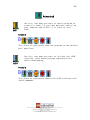
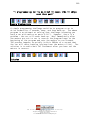
Example
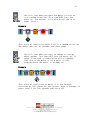
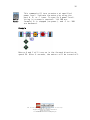
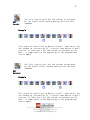
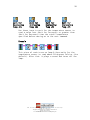
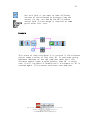
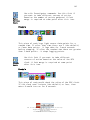
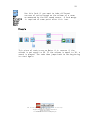
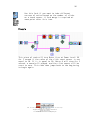
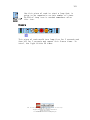
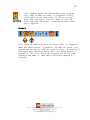
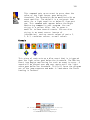
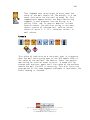
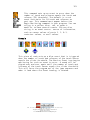
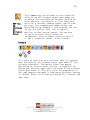
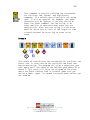
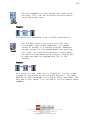
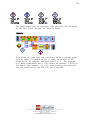
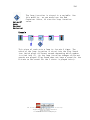
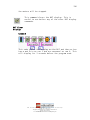
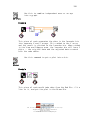
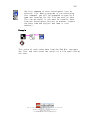
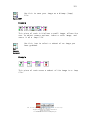
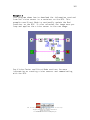
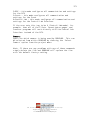
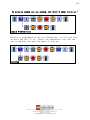
This piece of code waits until the light sensor reading
increases by 5 (the default), and then it snaps an image.
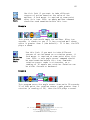
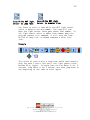
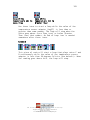
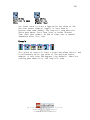
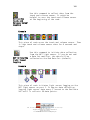
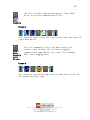
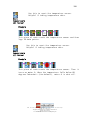
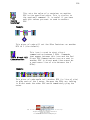
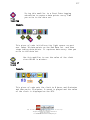
Fill
Mailbox
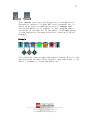
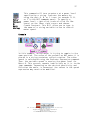
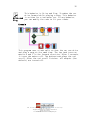
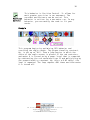
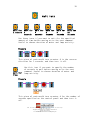
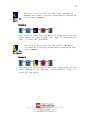
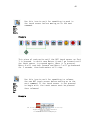
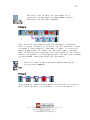
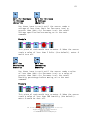
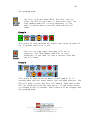
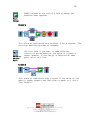
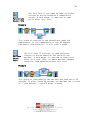
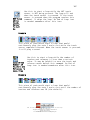
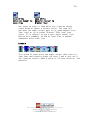
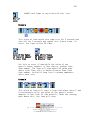
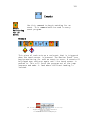
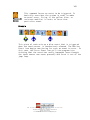
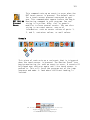
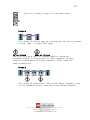
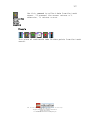
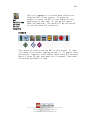
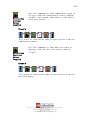
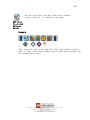
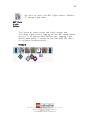
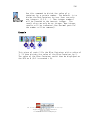
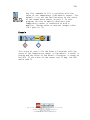
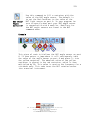
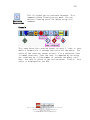
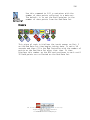
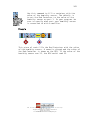
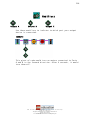
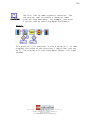
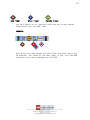
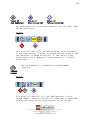
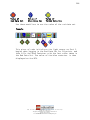
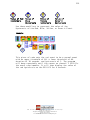
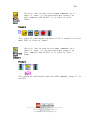
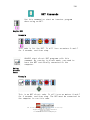
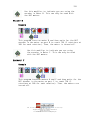
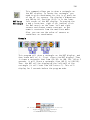
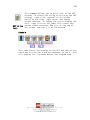
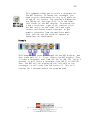
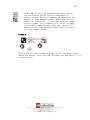
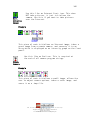
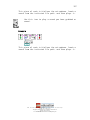
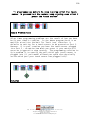
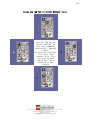
Use this icon to fill the mailbox on an RCX with
a specific value. Can be used in a program or in
direct mode.
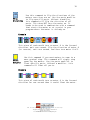
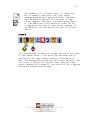
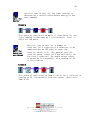
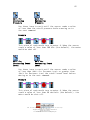
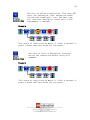
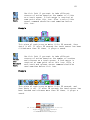
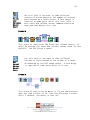
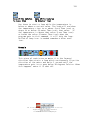
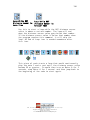
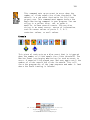
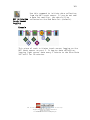
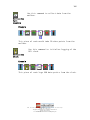
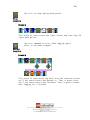
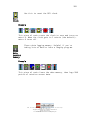
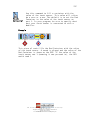
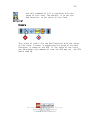
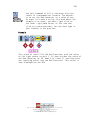
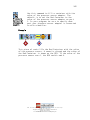
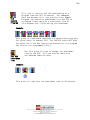
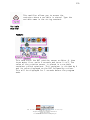
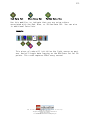
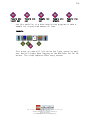
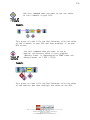
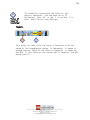
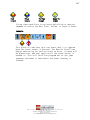
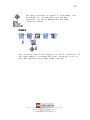
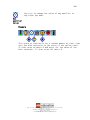
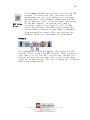
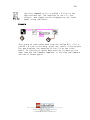
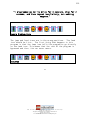
Example
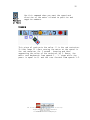
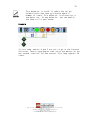
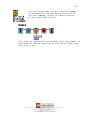
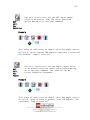
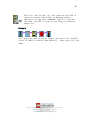
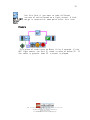
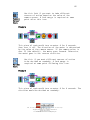
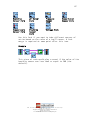
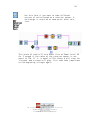
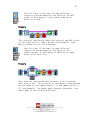
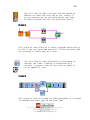
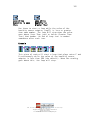
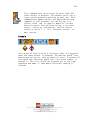
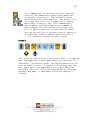
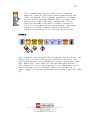
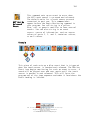
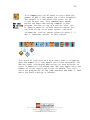
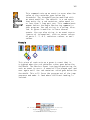
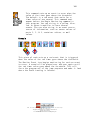
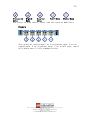
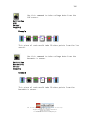
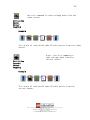
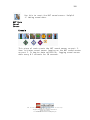
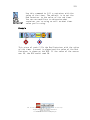
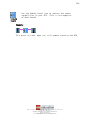
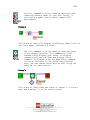
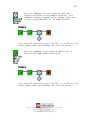
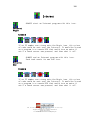
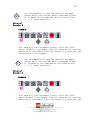
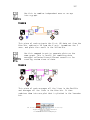
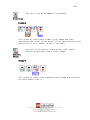
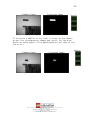
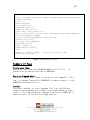
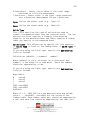
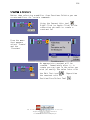
This piece of code fills the mailbox with the value of 5
then starts a loop which turns on lamp A. The loop ends
when the RCX receives mail whose value is 4 or less. Then
the RCX plays a sound and turns off the lamp.
LEGO, the LEGO logo and MINDSTORMS are trademarks of the LEGO Group.
© 2006 The LEGO Group.
This page may be photocopied for non-commercial educational use.
All other rights reserved.
Visit www.MINDSTORMSeducation.com & www.LEGOengineering.com