1
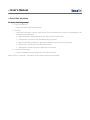
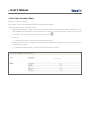
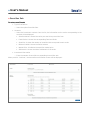
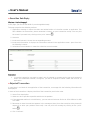
» User’s Manual Investments> Mutual Funds > Page 3 » Securities purchase To make a securities purchase • Type of transaction o Select the option Securities Purchase. • Accounts o Select the investment contract from the list; the information on the series corresponding to the contract will be displayed: Selection button: Choose the series you want to buy securities from.. Fund/Series: It shows the corresponding Fund and Series Minimum amount to operate: It shows the minimum amount allocated to operate. Market Price: It shows the securities market price. Settlement: It shows the type of settlement of the series. • Investment information o Enter the amount corresponding to the securities purchase. When you click “Continue”, transaction confirmation screen will be displayed.