1
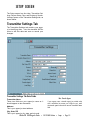
If all your transmitter information is correct, select
the correct submission file type at the bottom of the
screen and click OK. The program compiles all of
your 1099 data into the magnetic media data file.
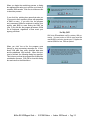
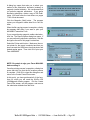
When the process is complete, a dialog box opens
that tells you how many 1099s were compiled and
asks if you want to see the total amounts for all of
these records. Click Yes for the totals or No to skip
the totals.
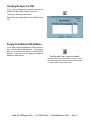
If you click Yes, a dialog box opens that displays
the totals for each income box on the printed 1099
form. Click OK to close it.
NOTE: If the file contains more than one type of
1099, you will see these two dialog boxes once
for each type of 1099 in the file.
A dialog box opens that tells you that your magnetic
media data file has been created. Click OK to close
this dialog box.
WinTen IRS 1099/Magnetic Media • 12/17/2002 Edition • Generate Magnetic Media File • Page 9.2